Faded Print and Old Stock, a box of rolls past their date
Shot late, stored badly, loved anyway.
Two collections of expired film in one download: the cool matte fade of a print left in the light, and the green-and-magenta crossover of stock shot years past its date. Works in the free Lightroom app on iPhone and Android, and in Lightroom Classic.
For vintage and matte-look creators who know what a fridge full of old rolls looks like.
36 presets · 2 collections · one download
open
One box, opened

Faded Print is what a print does when it lives on a shelf in daylight. The shadows go milky, the black never reaches the floor, the colour drains and turns cyan. The set starts at Cyan Wash and runs through the kinds of neglect: window light, an attic box, a corner-mounted album page, fixer left in the paper, a metallic silver cast for overcast streets. Milk Shadow lifts the toe highest; Storage Sleeve stays restrained enough to grade again afterwards.
Old Stock is the other fate. Film kept too long crosses over: green in the shadows, magenta in the highlights, grain gone coarse. Expired Roll is the reference. Emulsion Age carries the heaviest grain in the box; Fridge Shelf only hints at age; Heat Fog lifts the blacks under a magenta ceiling the way a roll left in a hot car does. Moss Tint and Lichen Patch lean green for woodland and stone.
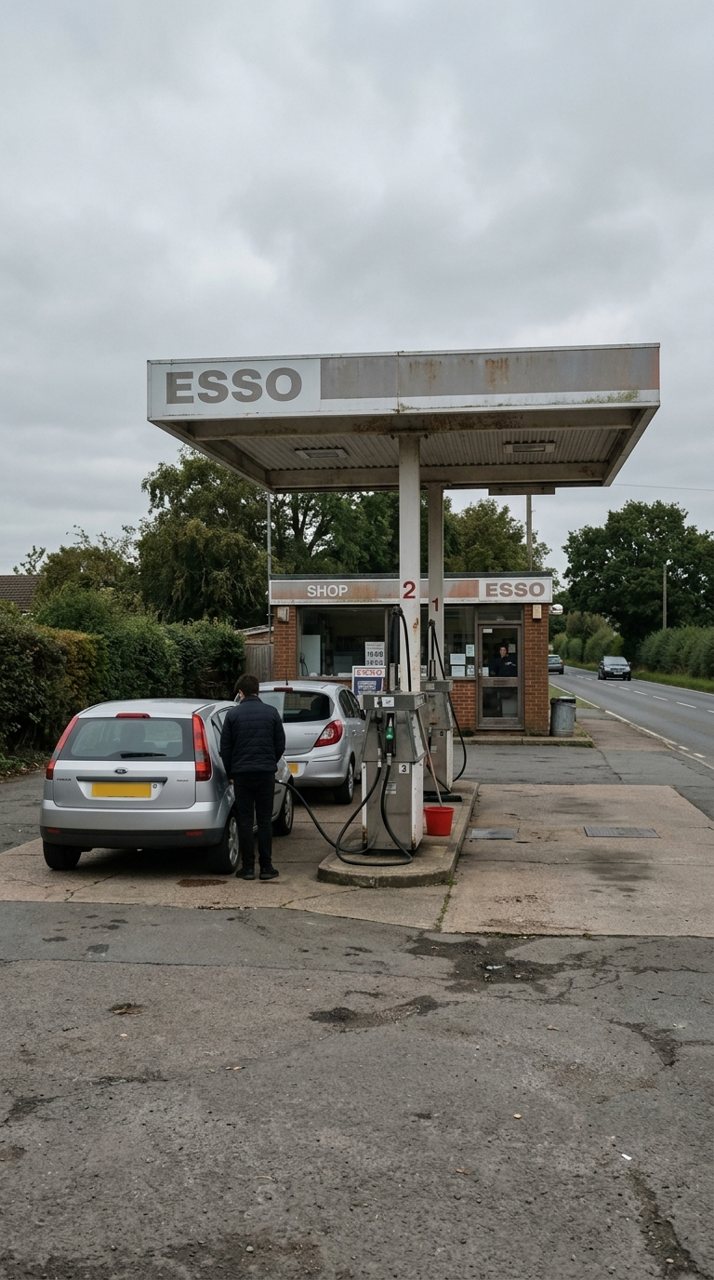
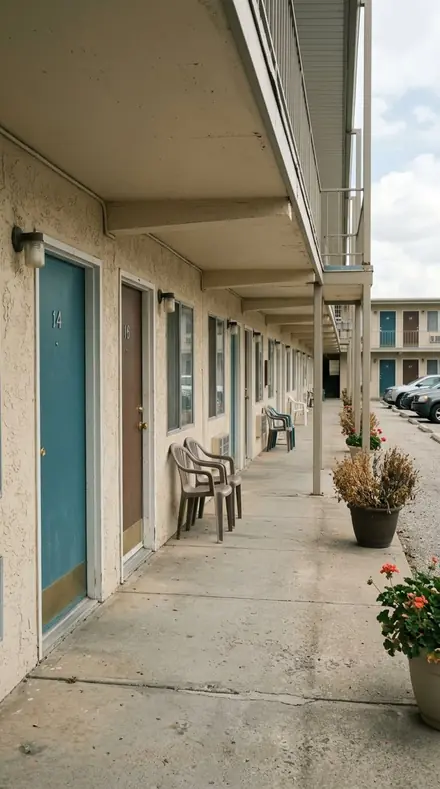
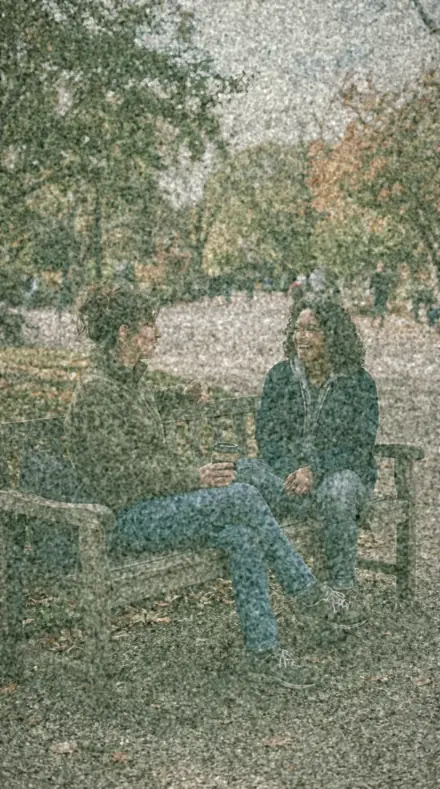
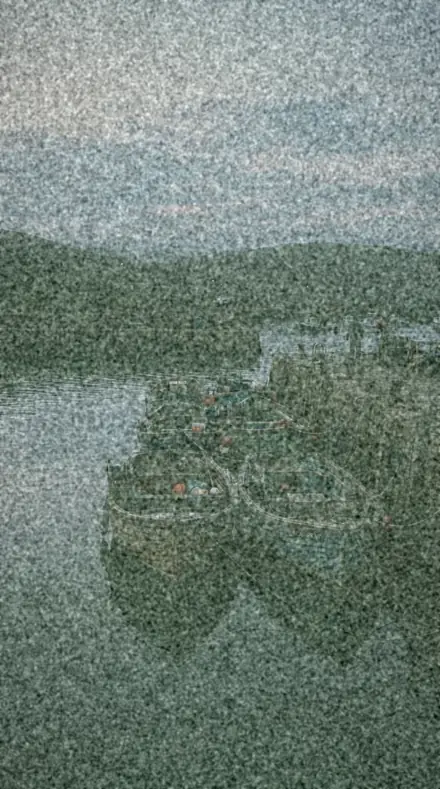
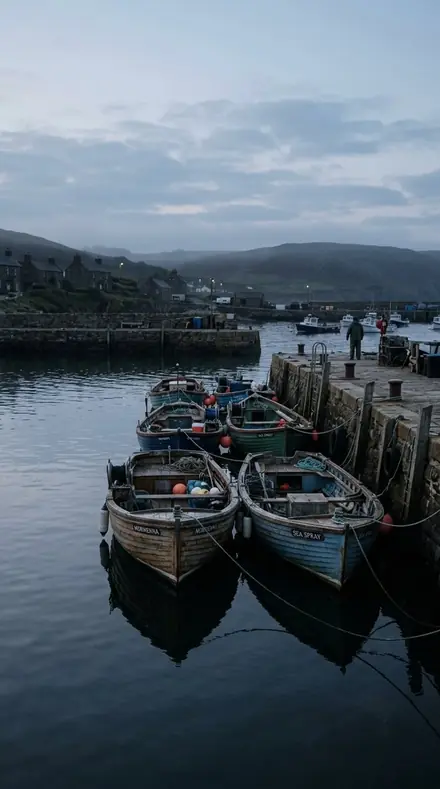
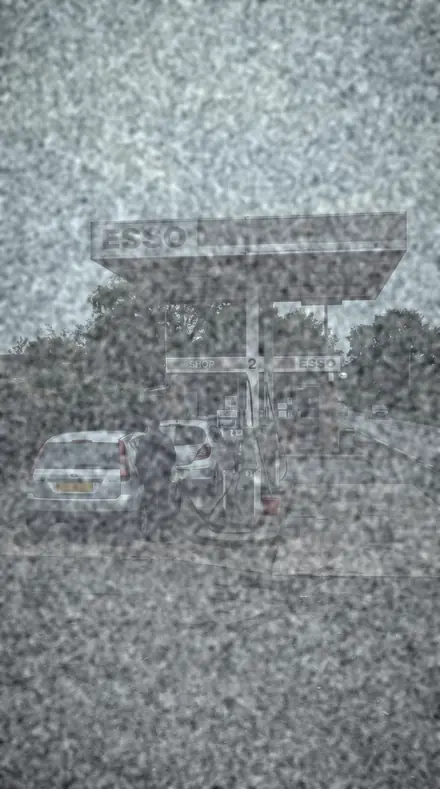
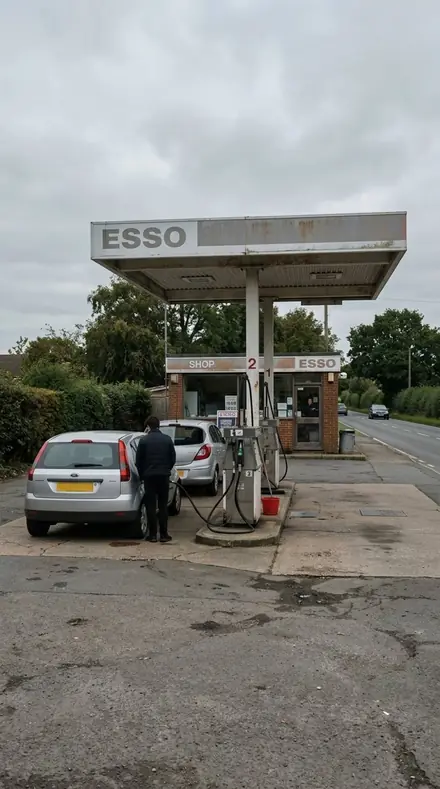
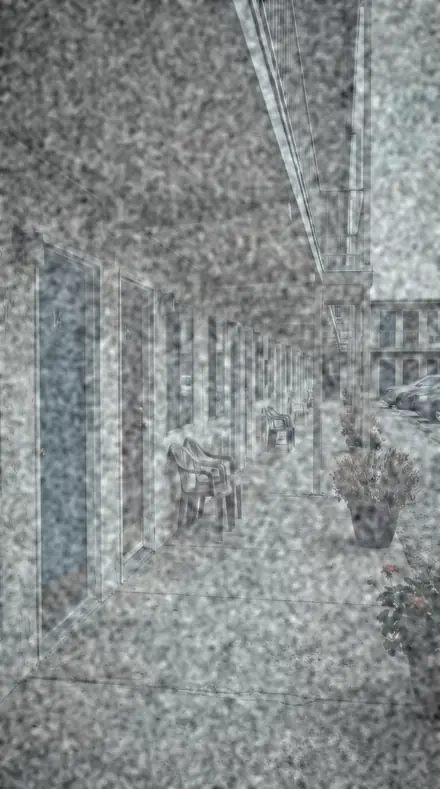
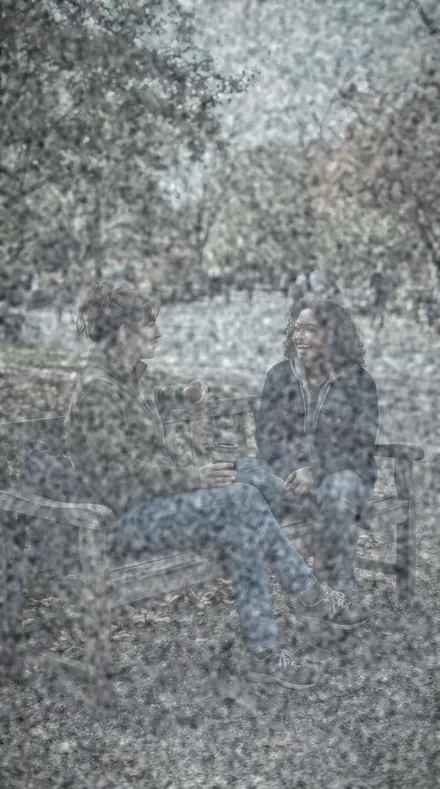
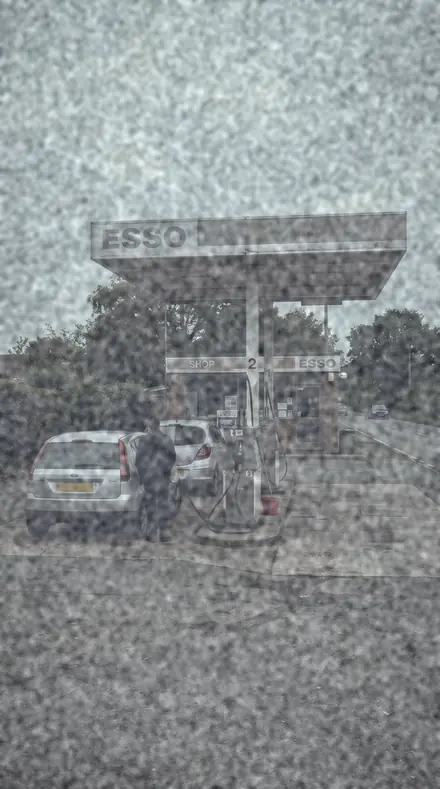
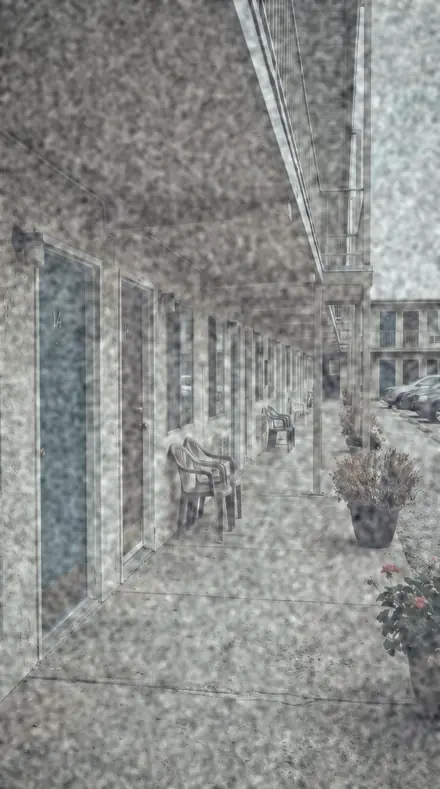
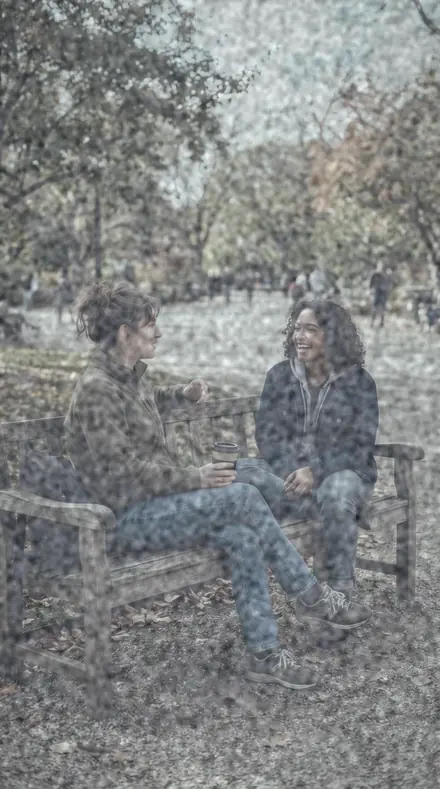
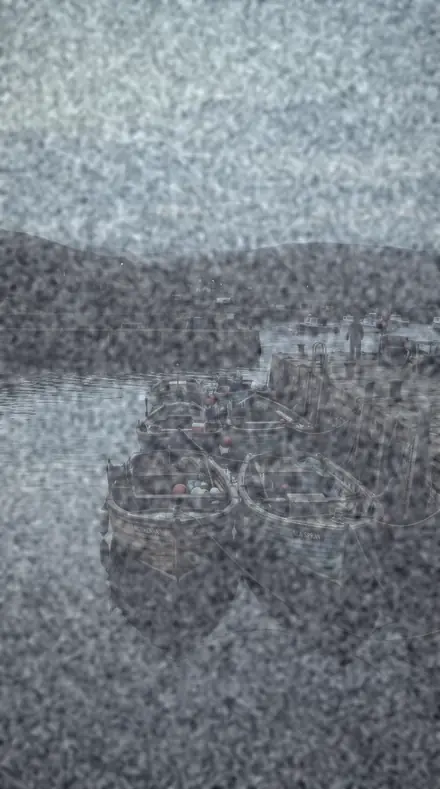
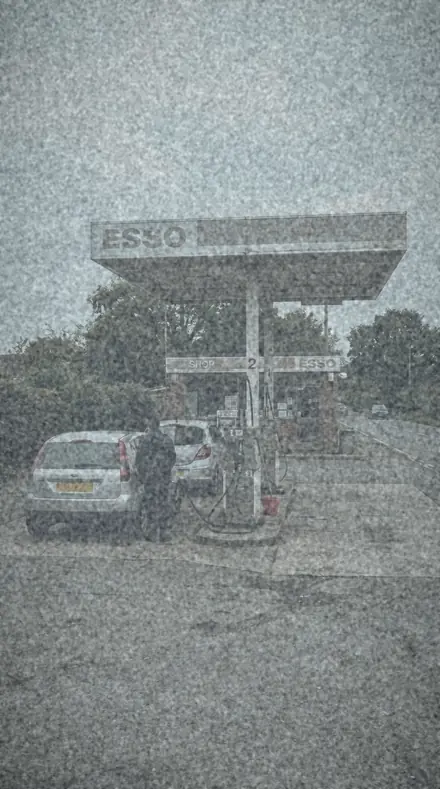
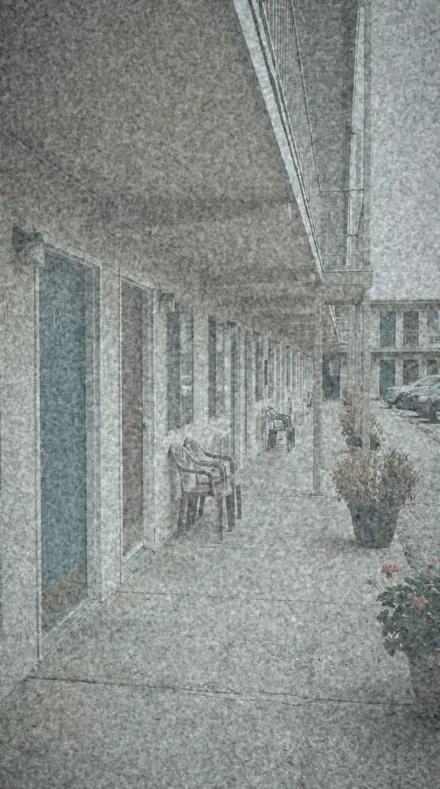
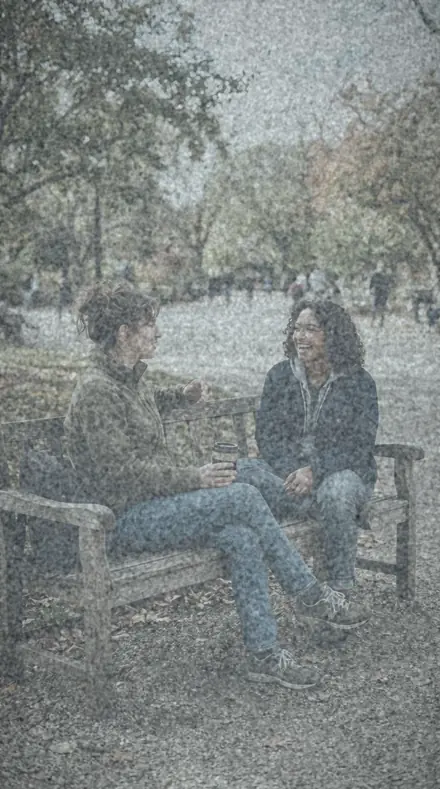
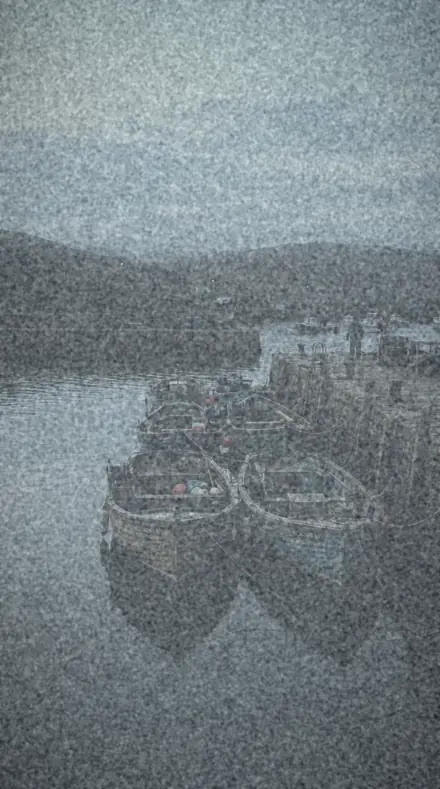
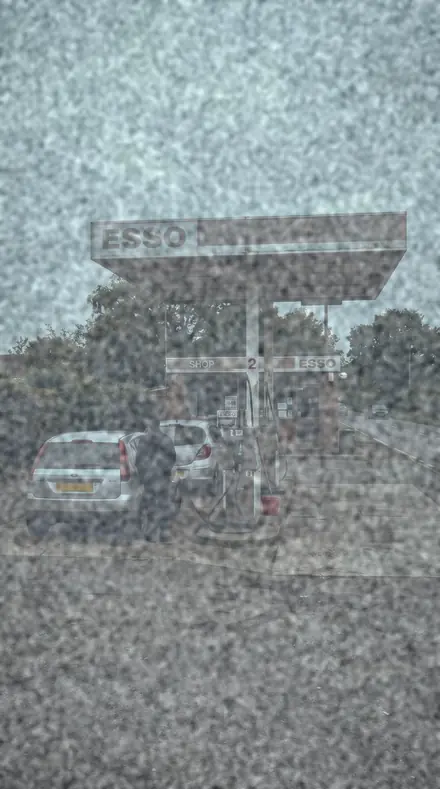
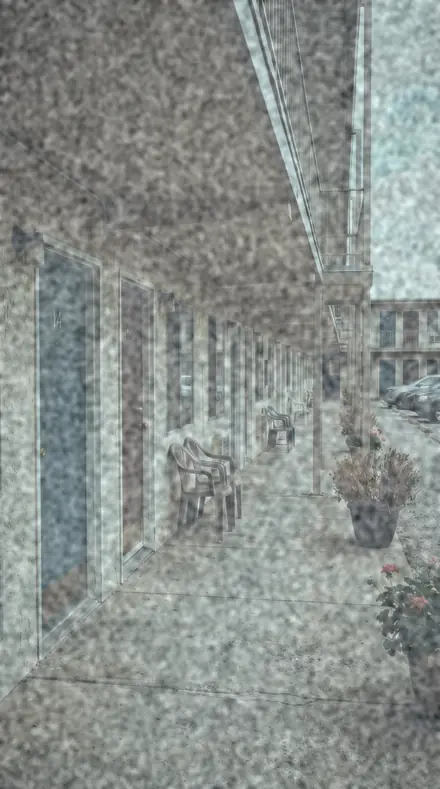
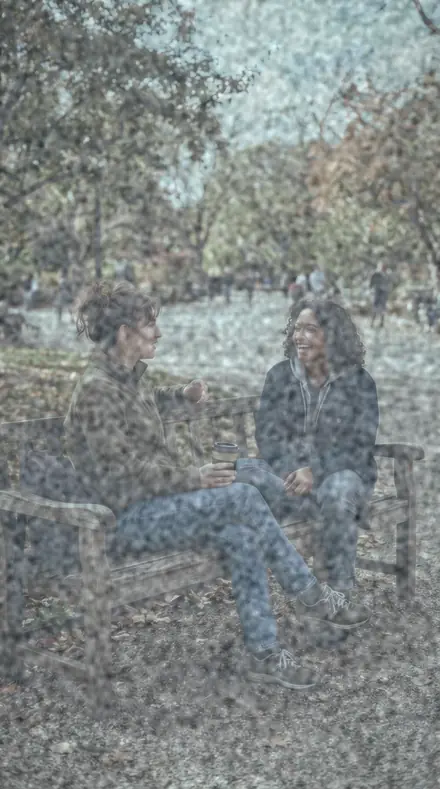
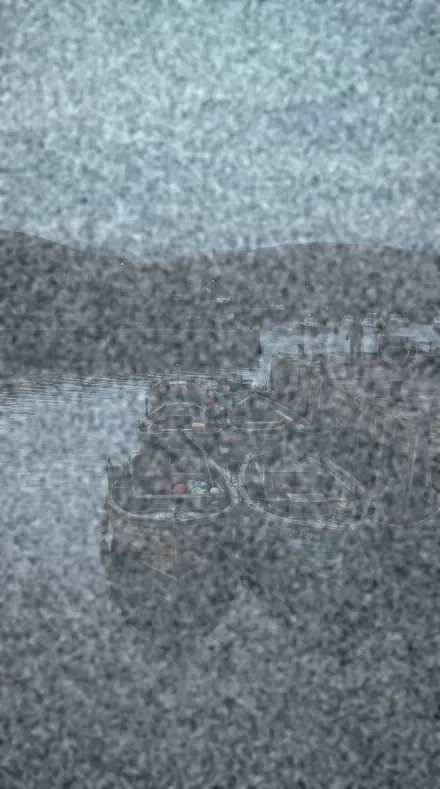
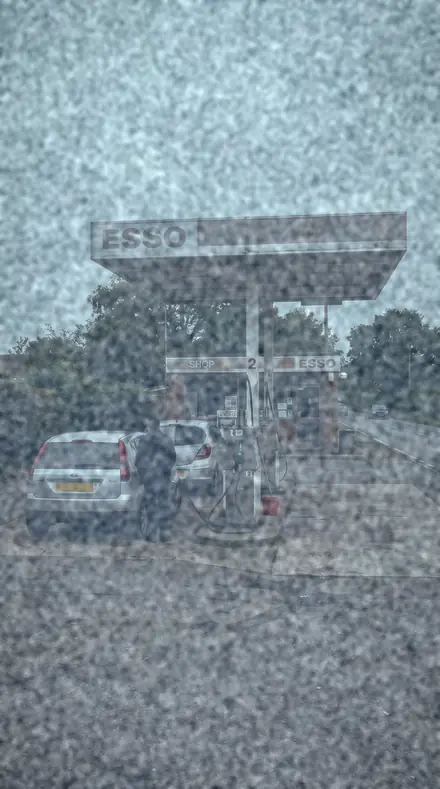
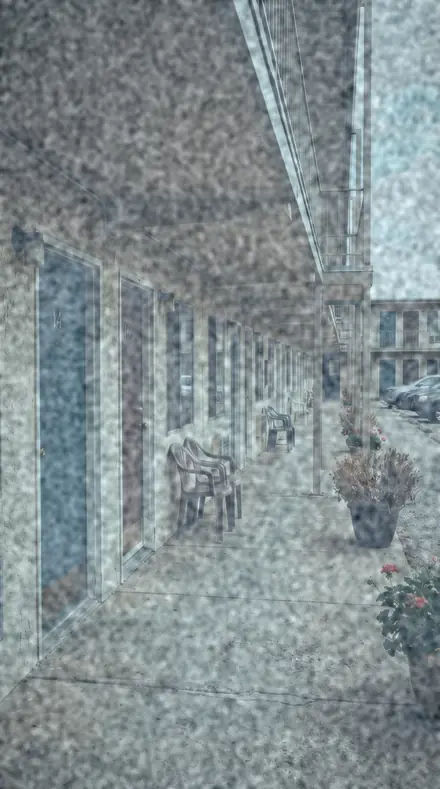
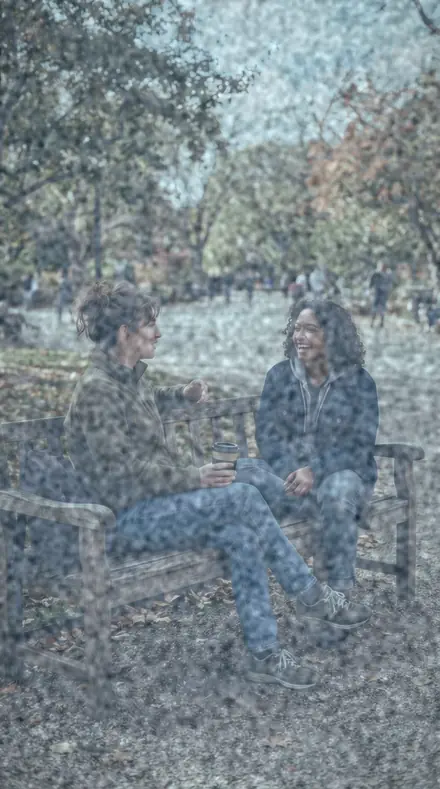
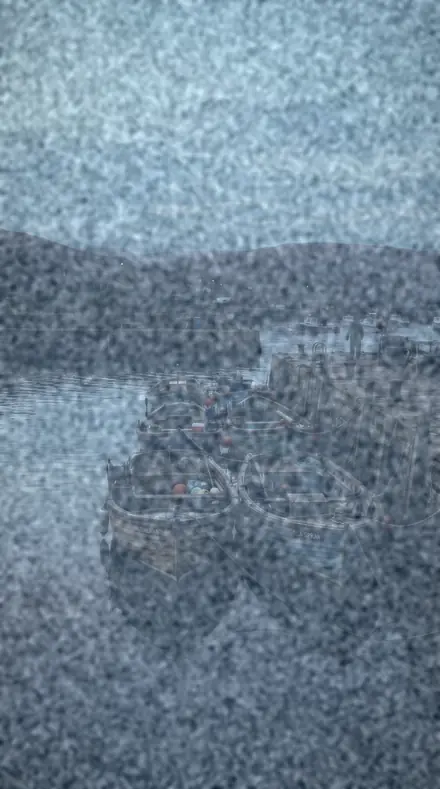
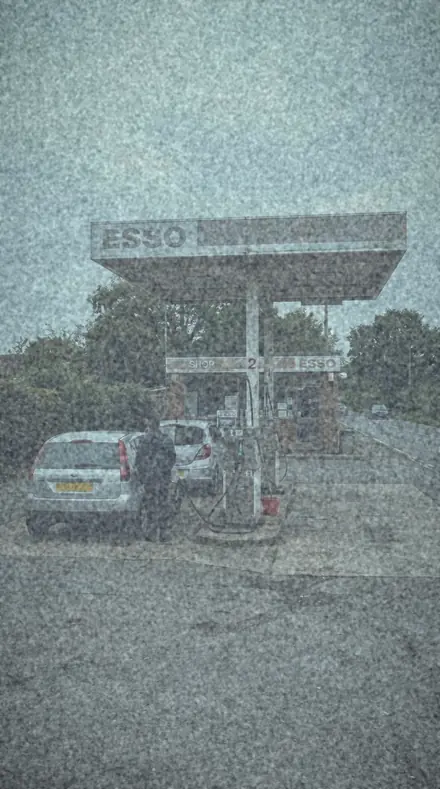
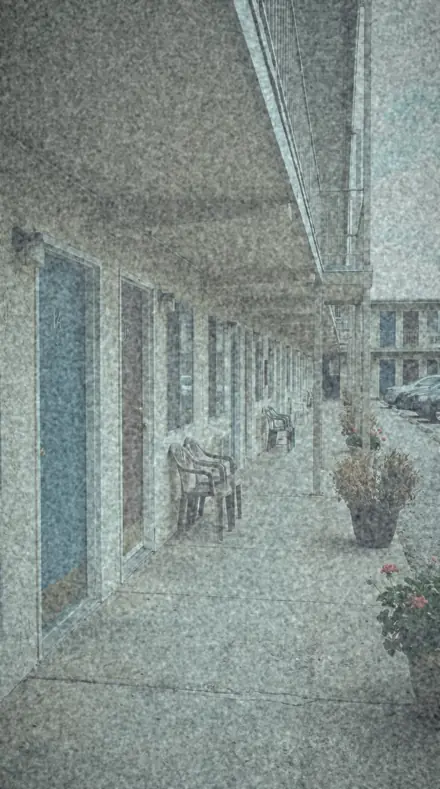
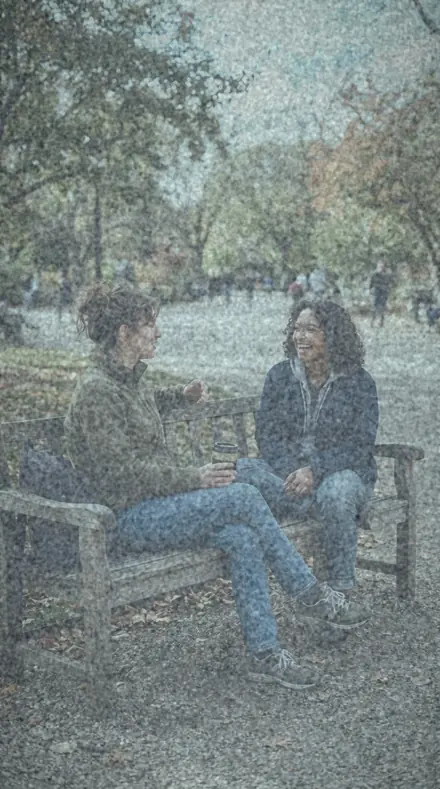
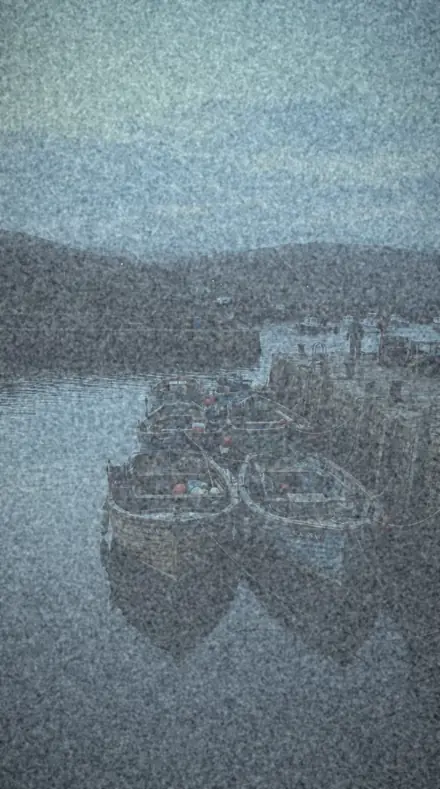
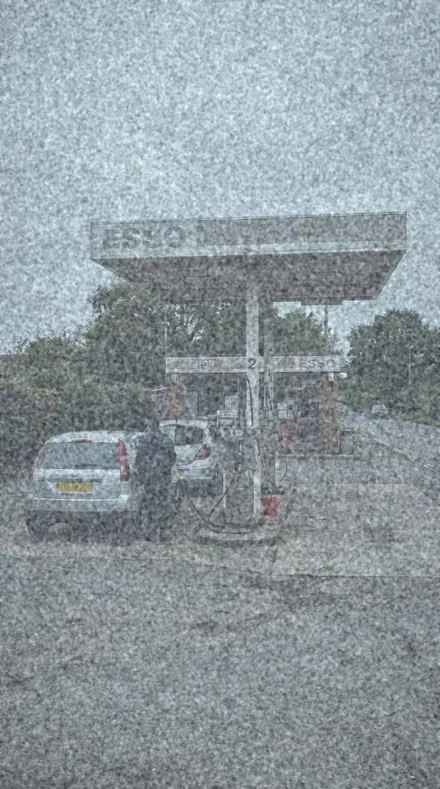
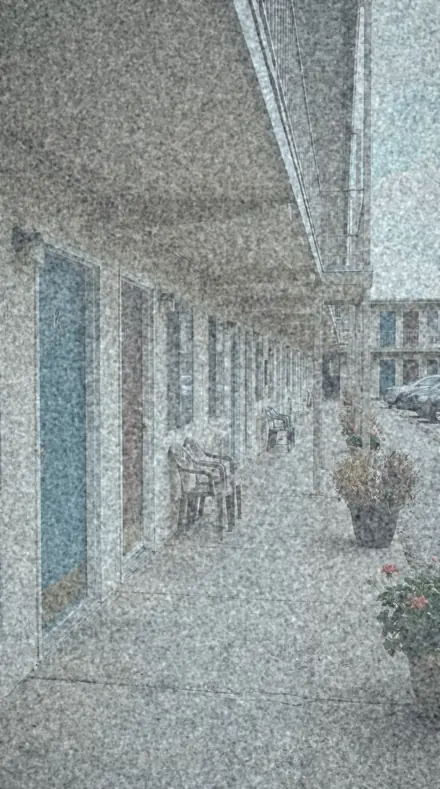
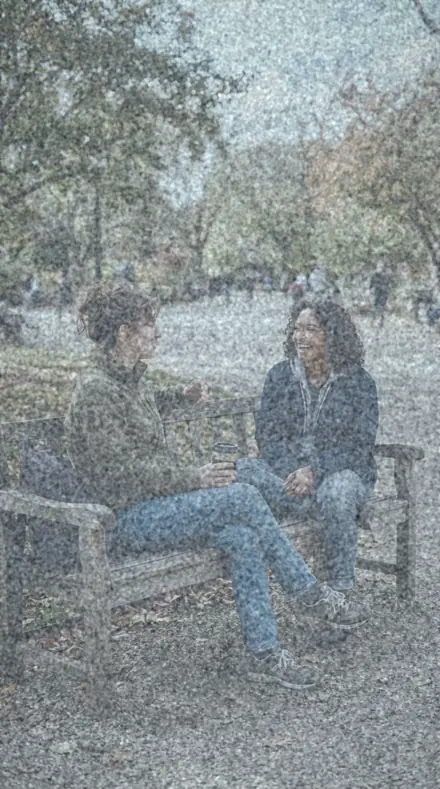
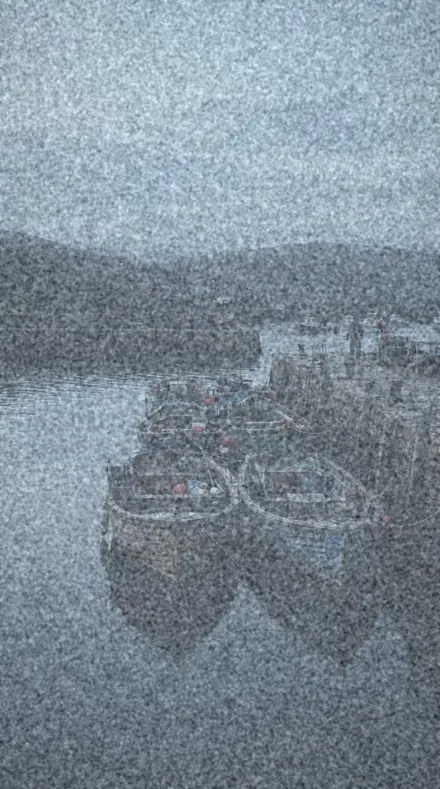
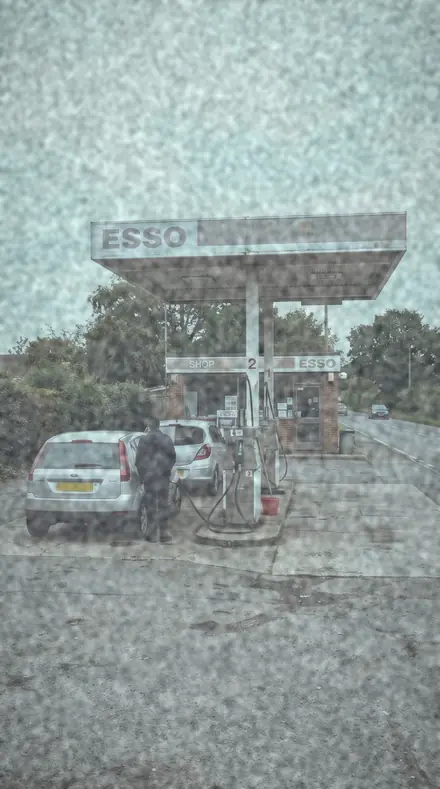
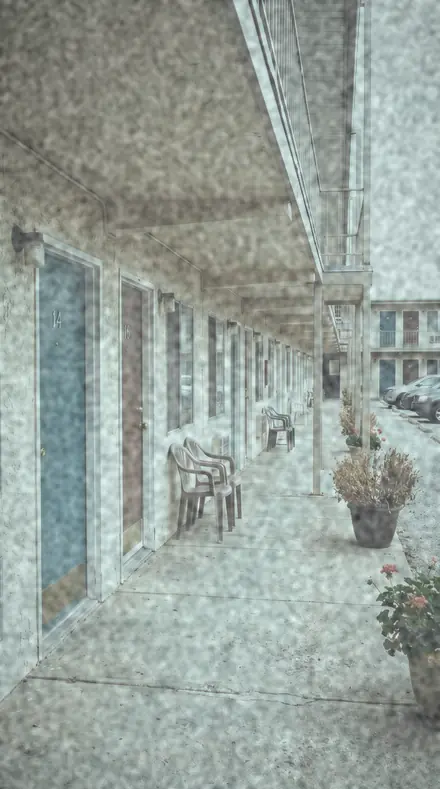
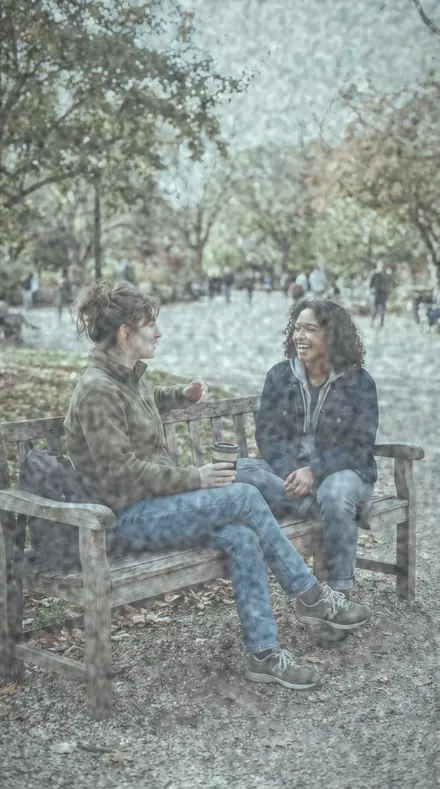
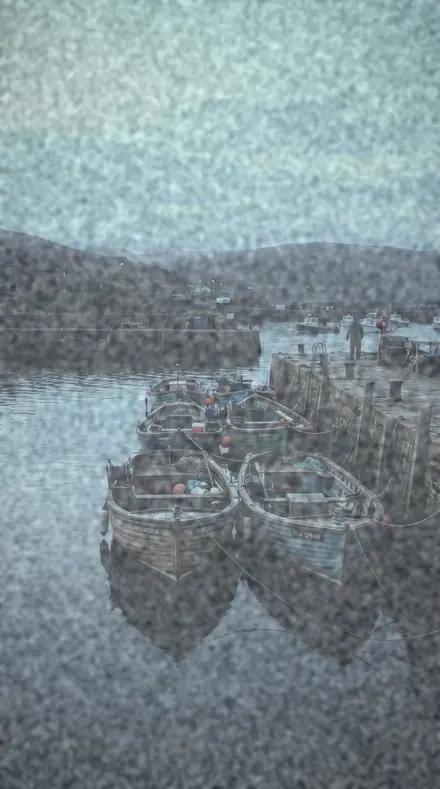
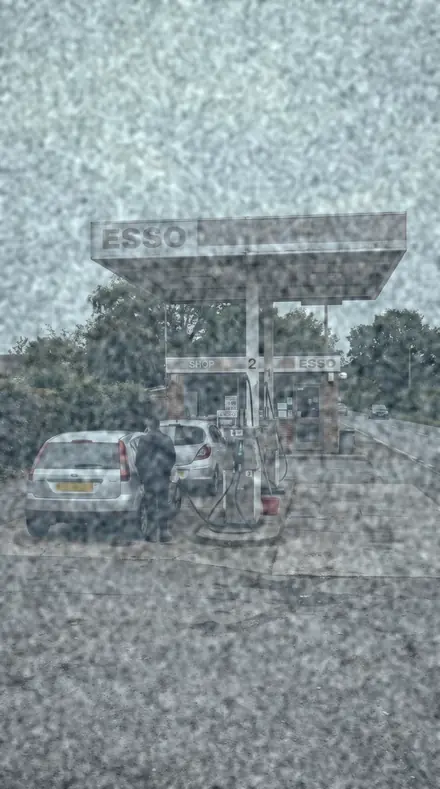
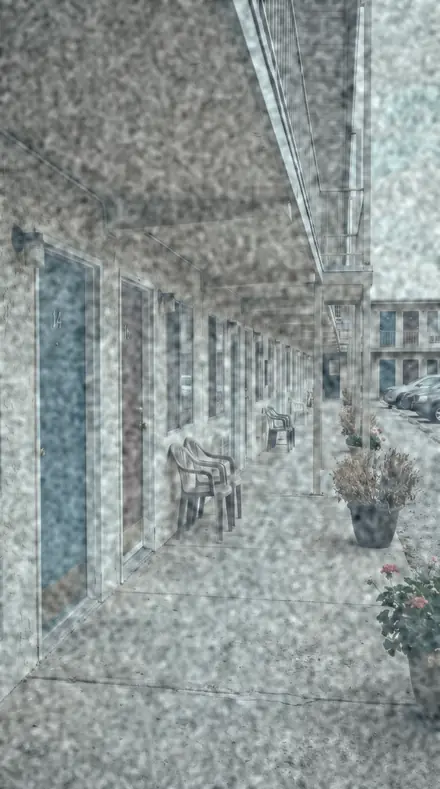
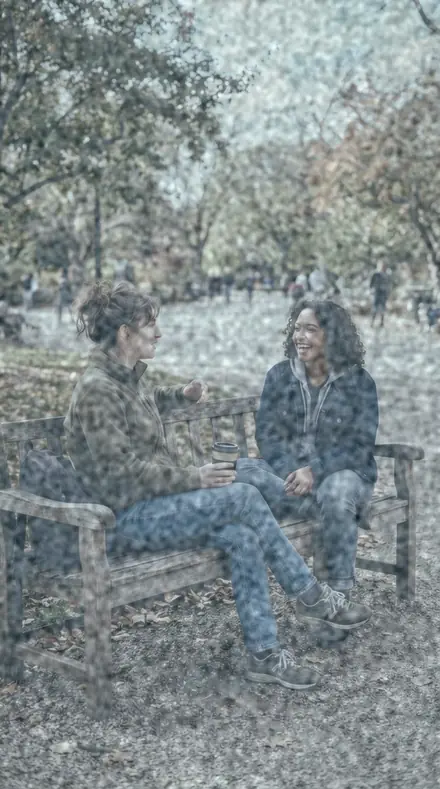
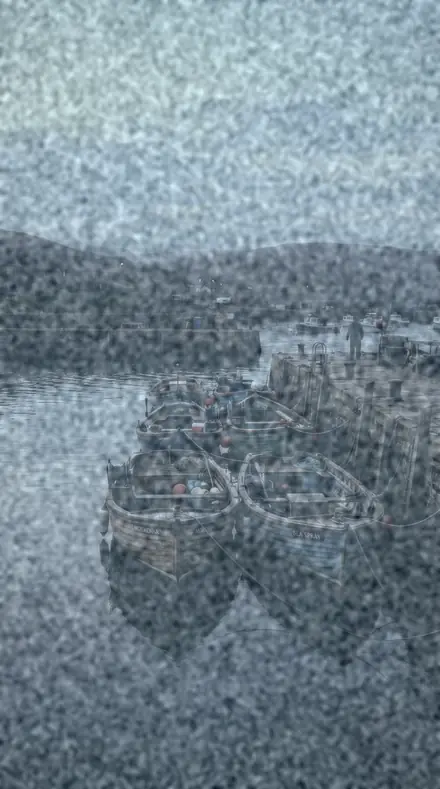
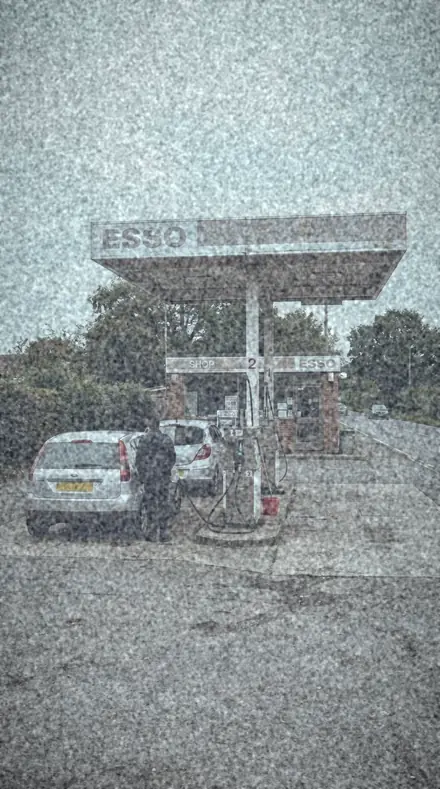
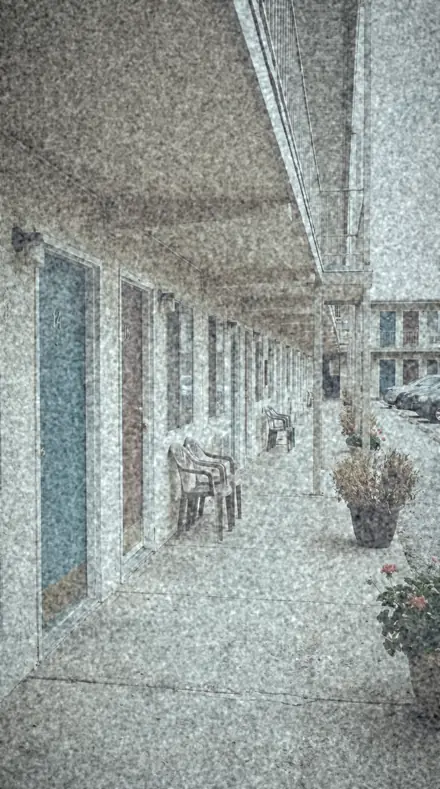
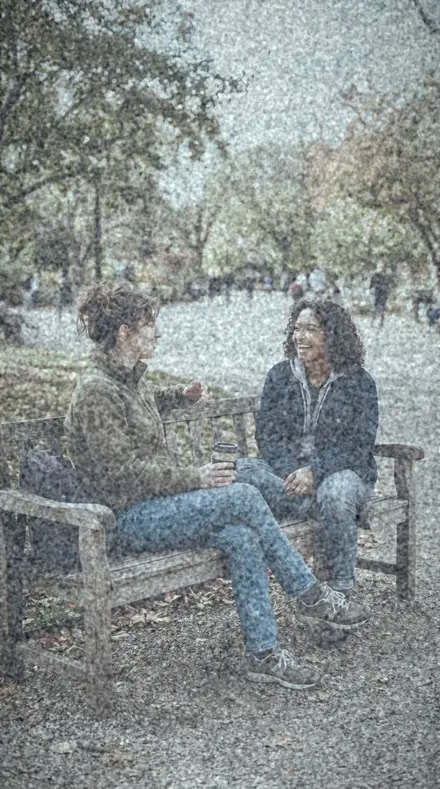
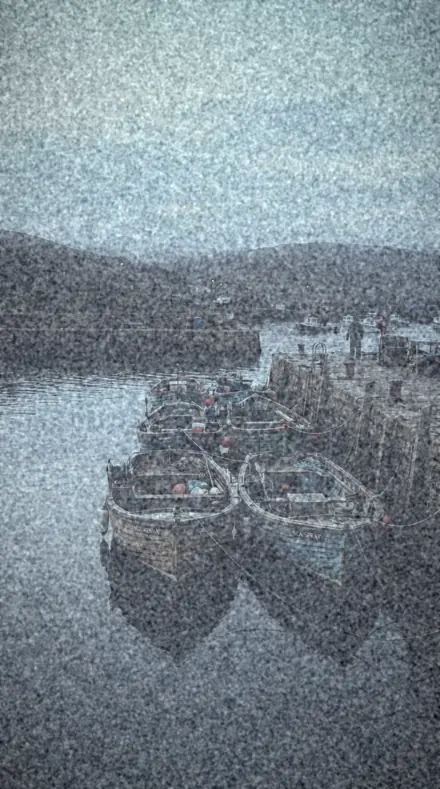
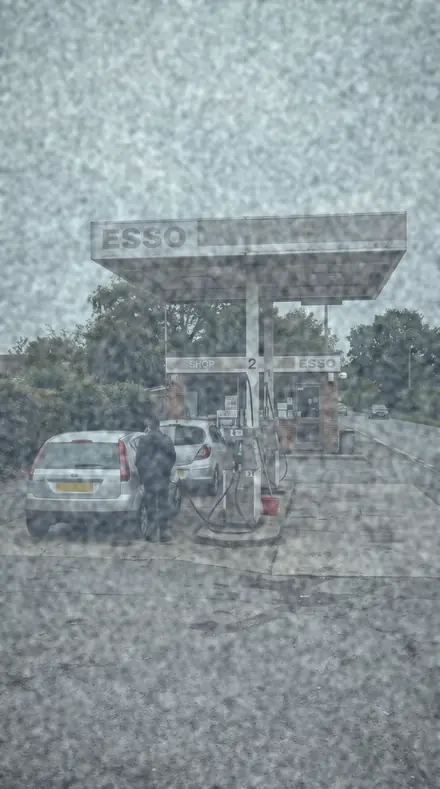
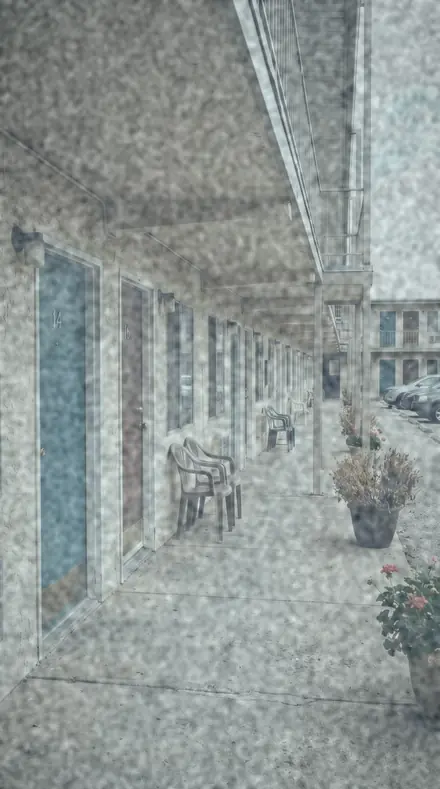
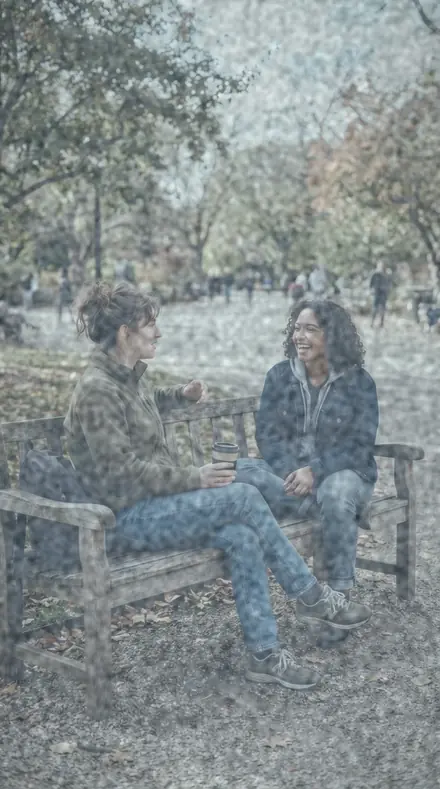
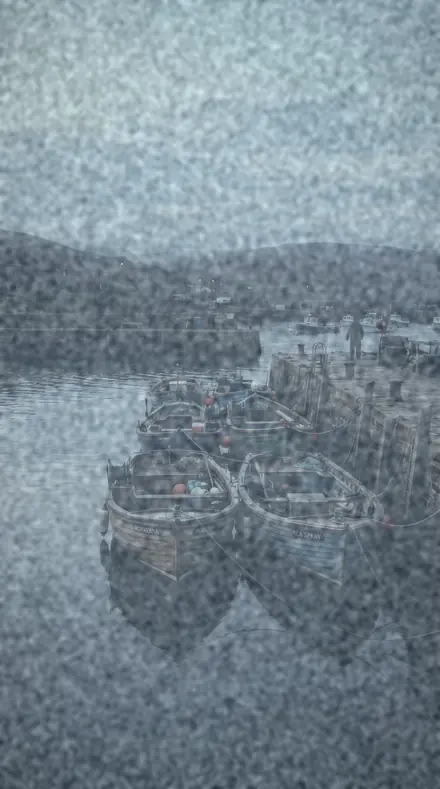
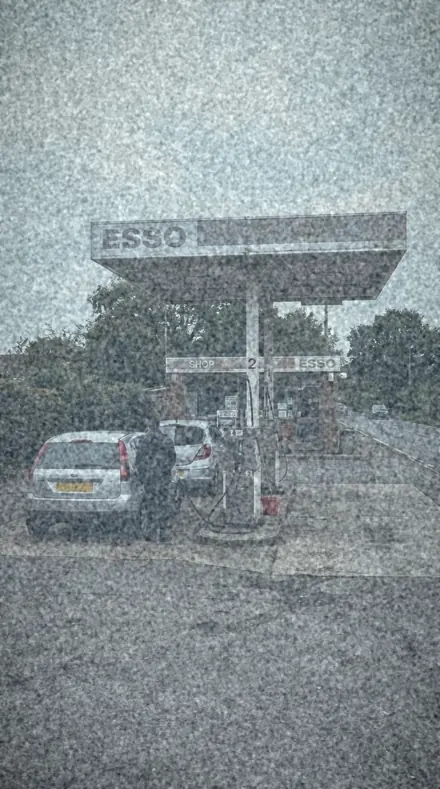
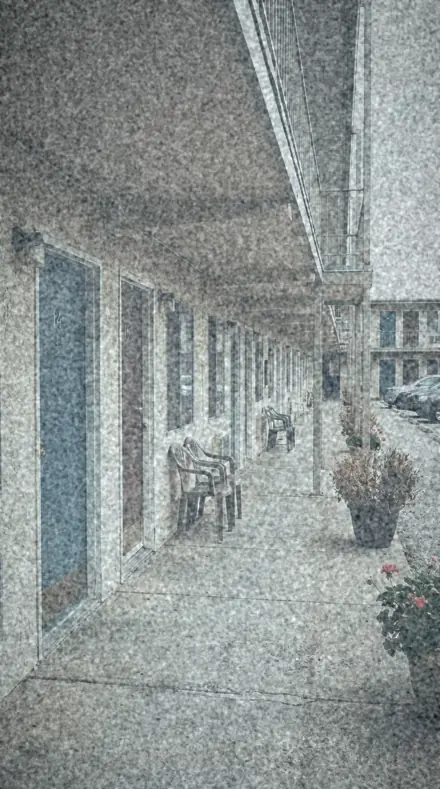
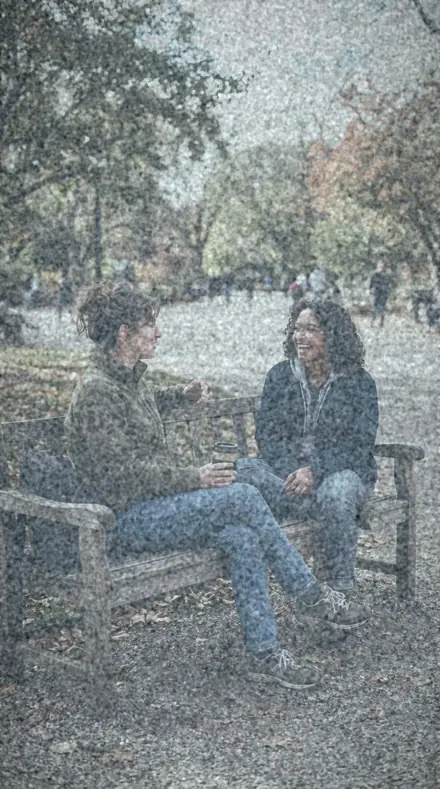
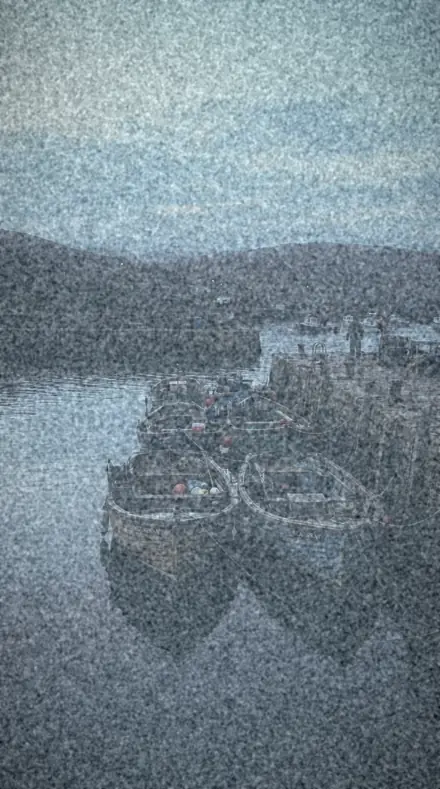
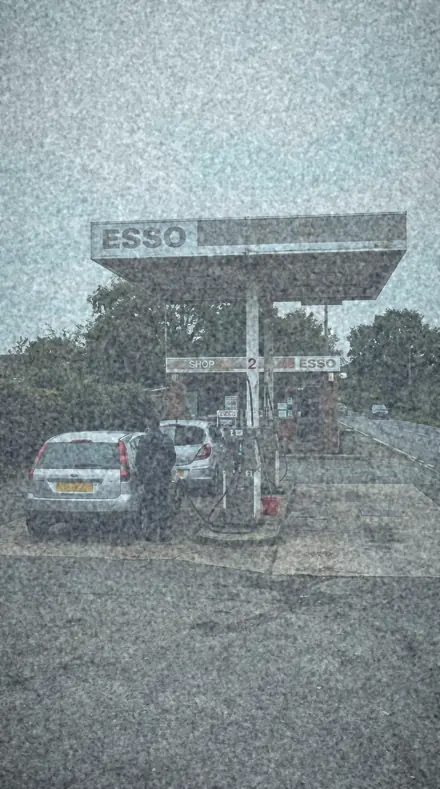
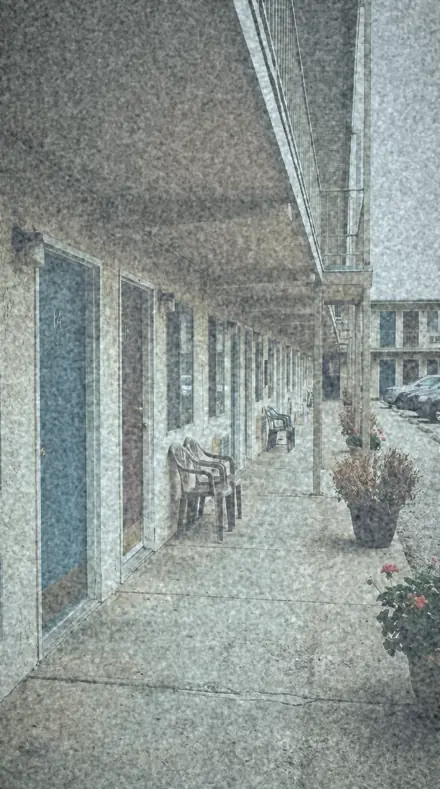
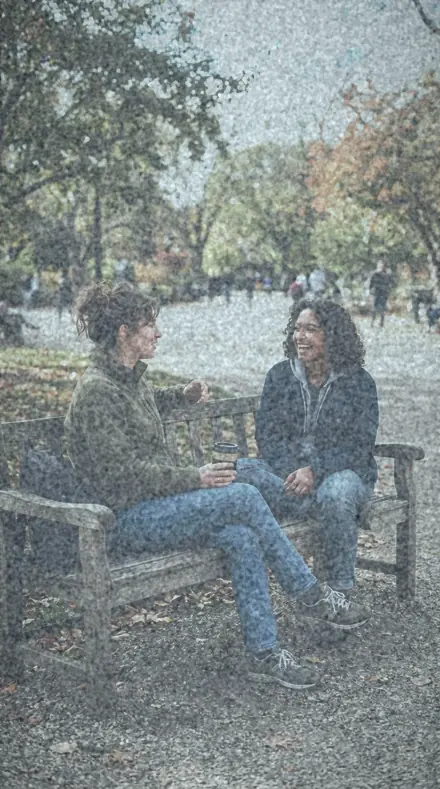
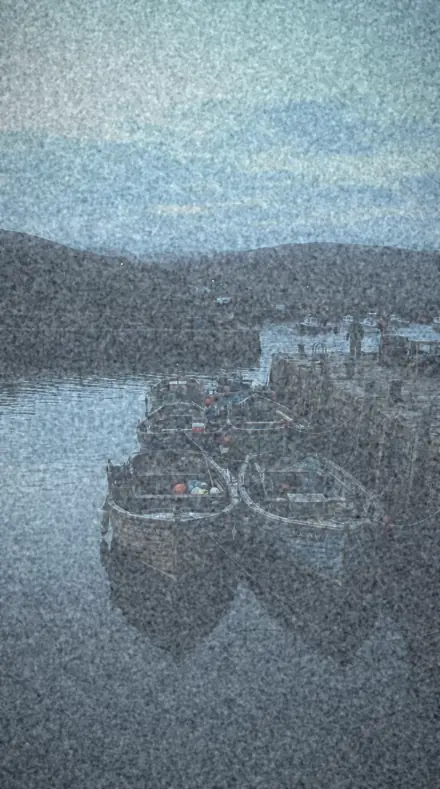
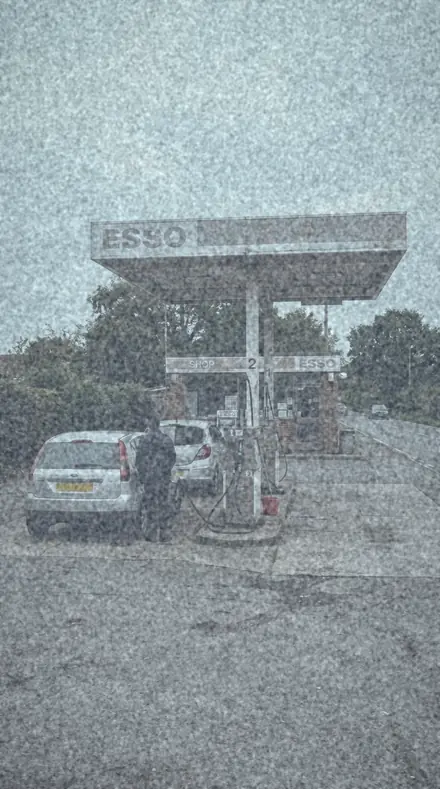
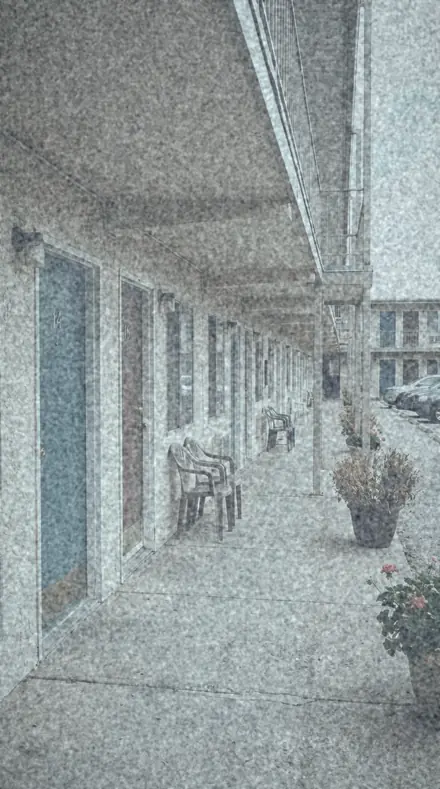
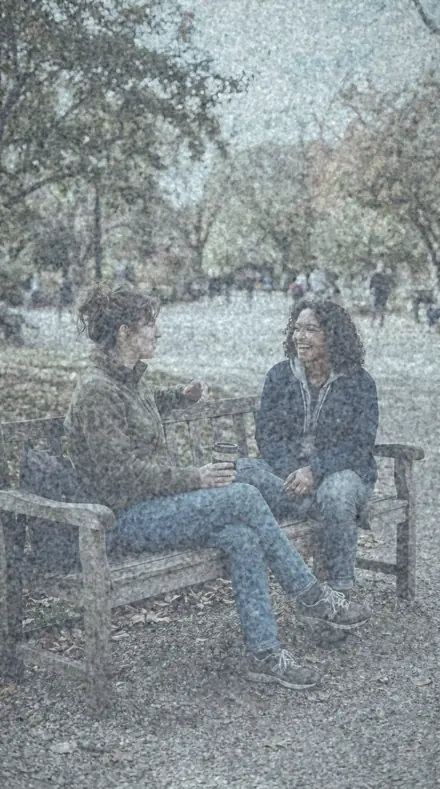
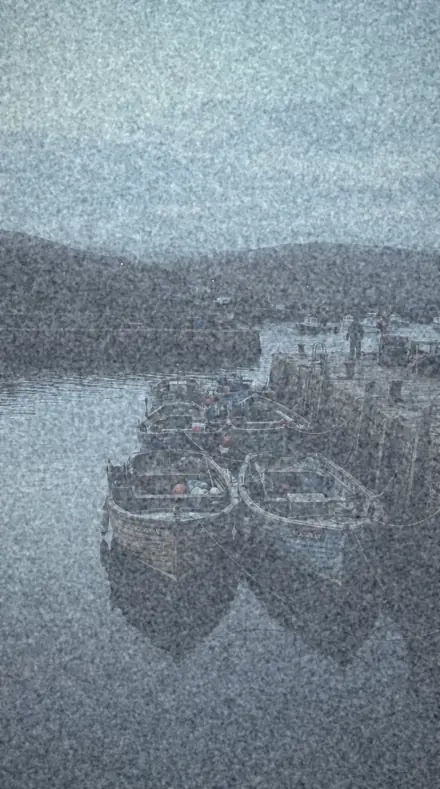
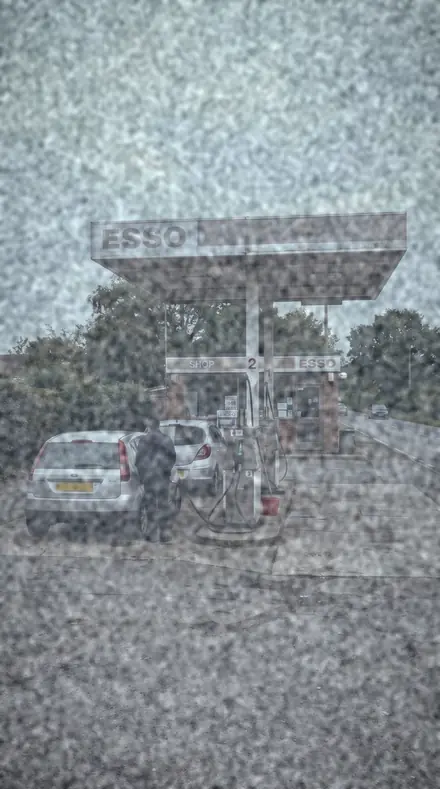
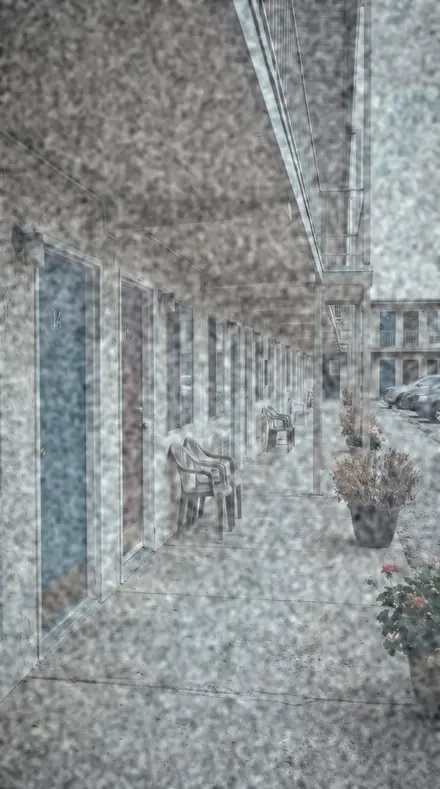
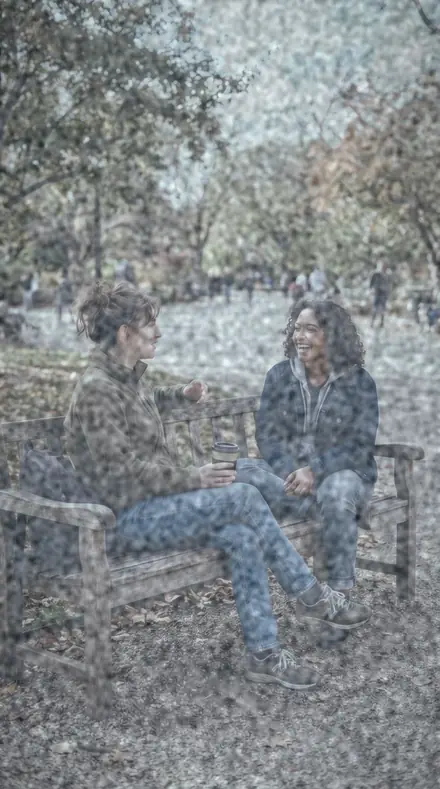
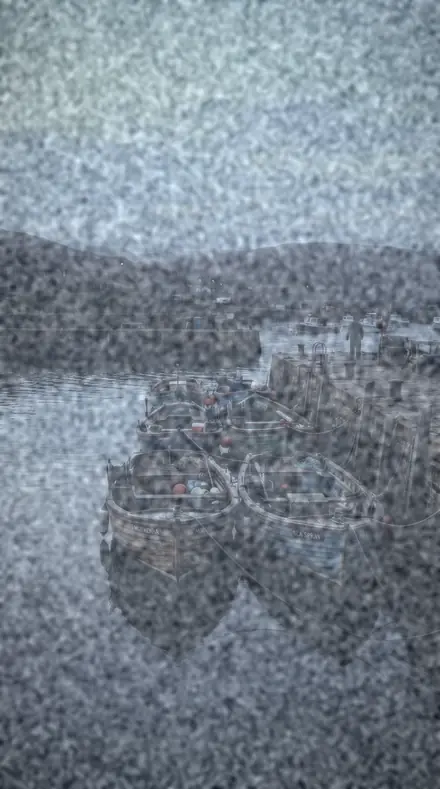
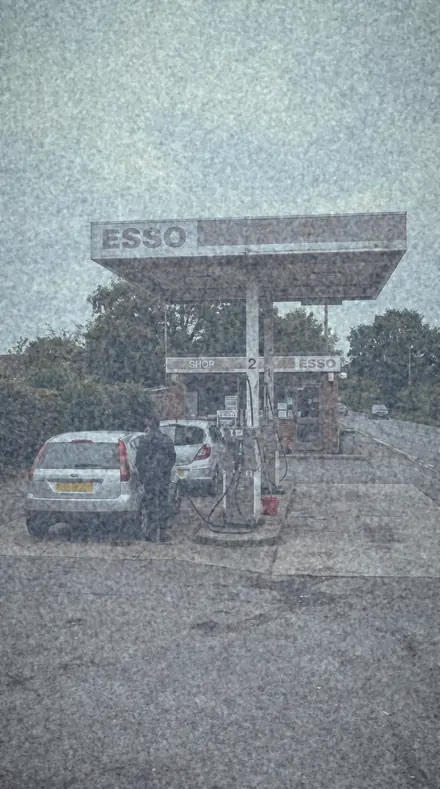
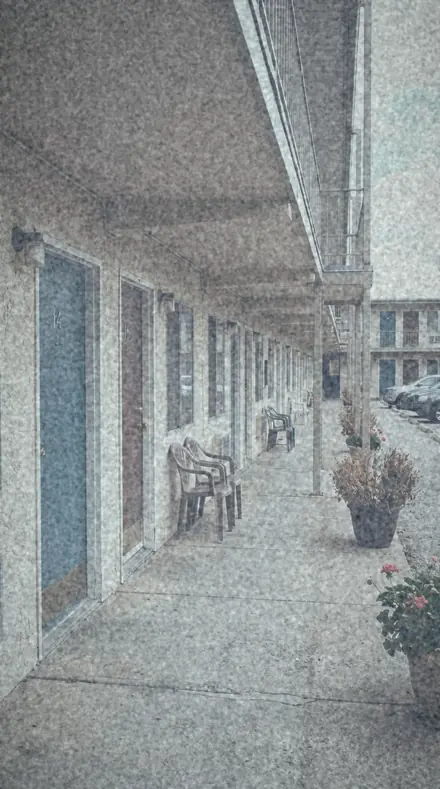
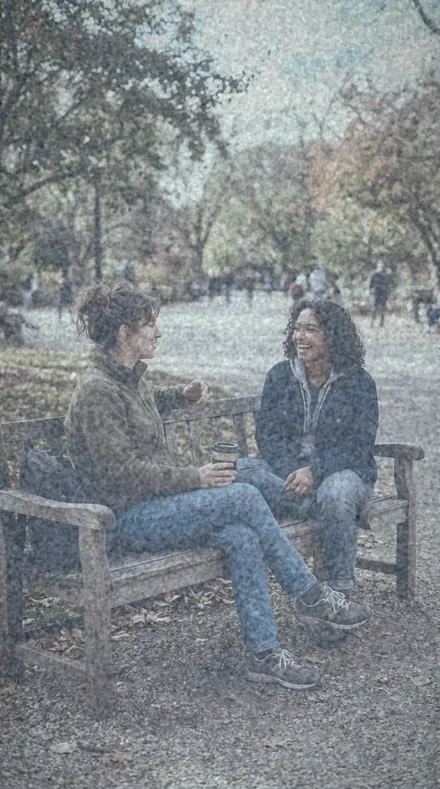
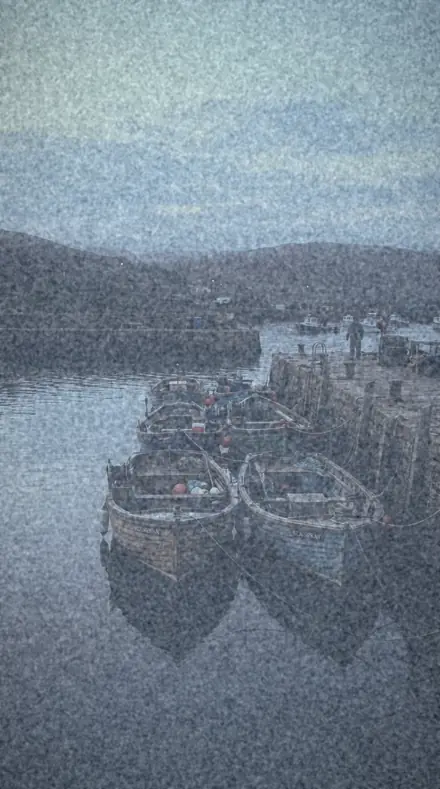
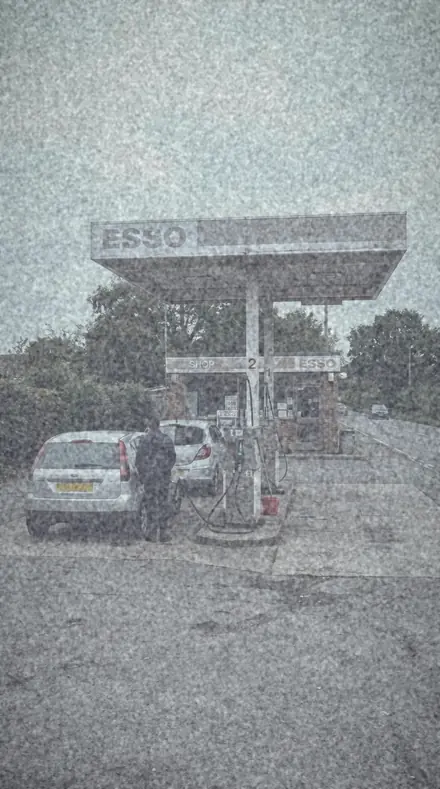
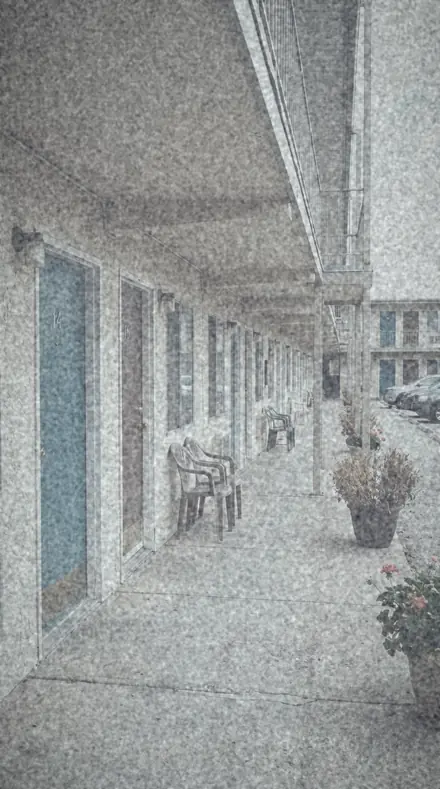
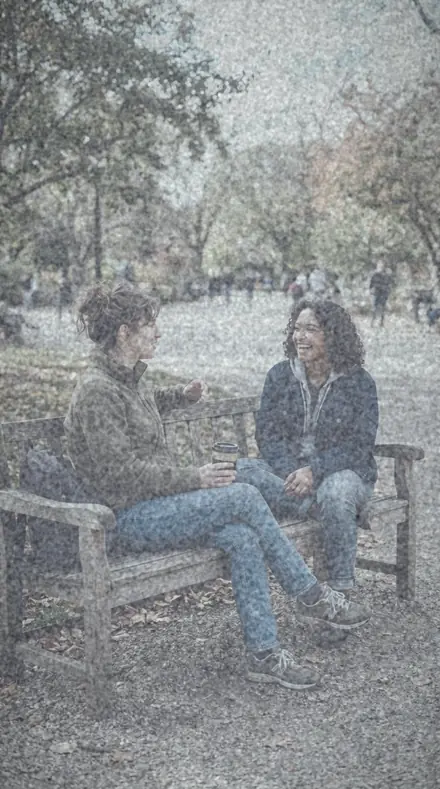
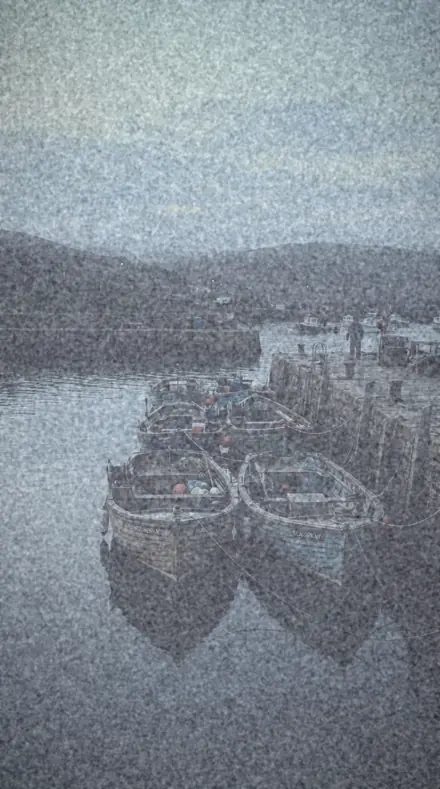
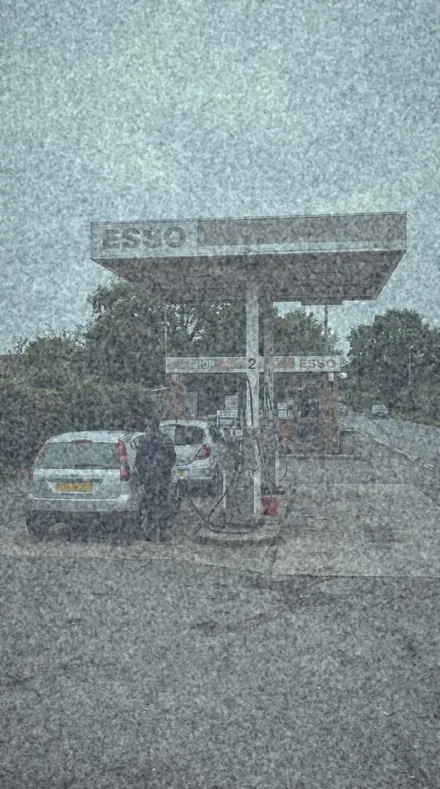
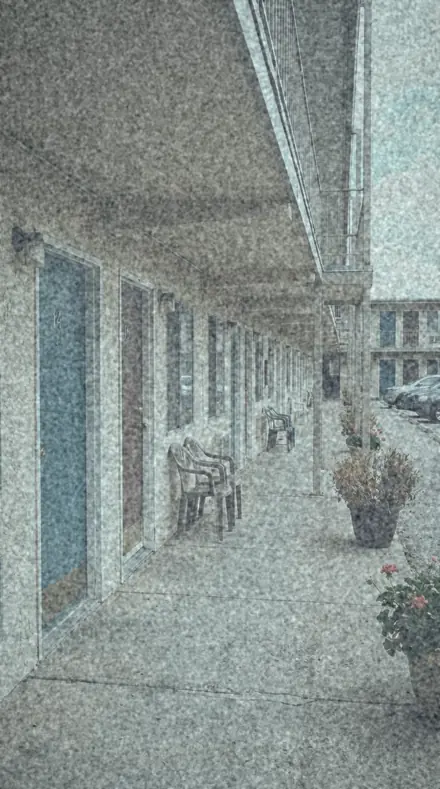
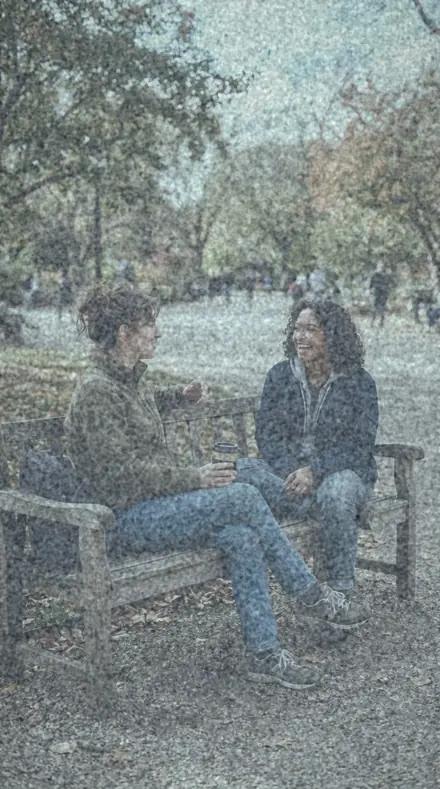
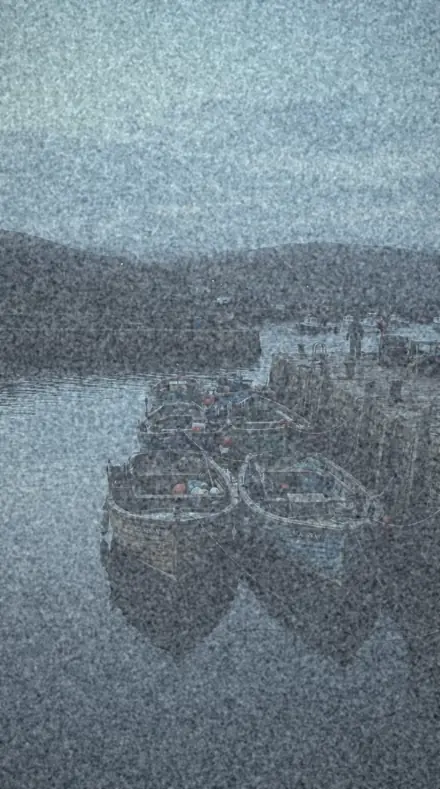
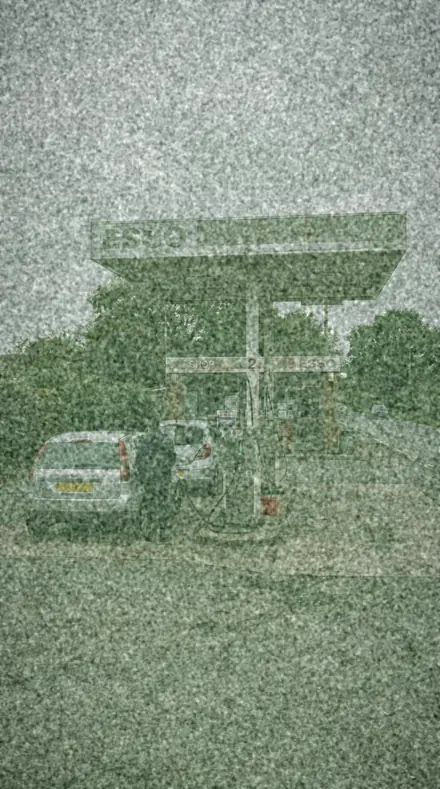
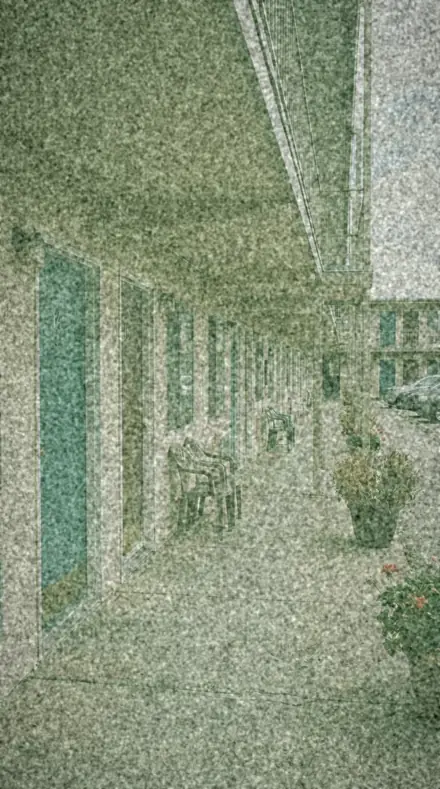
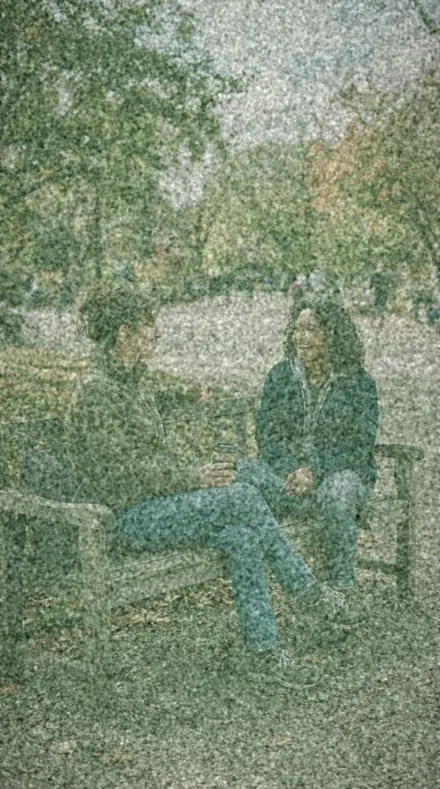
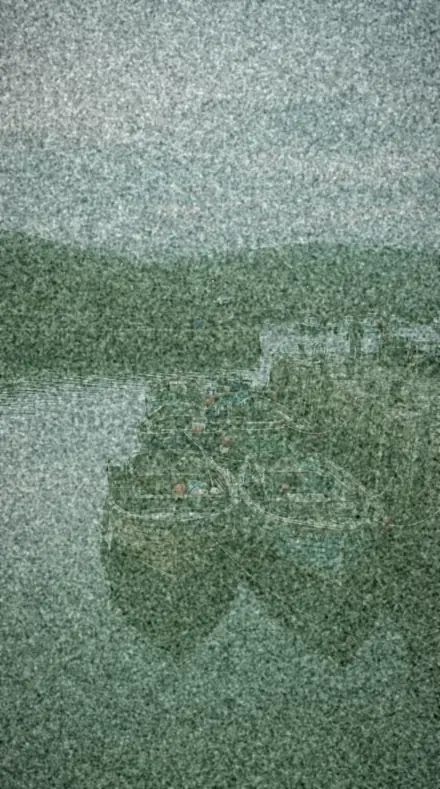
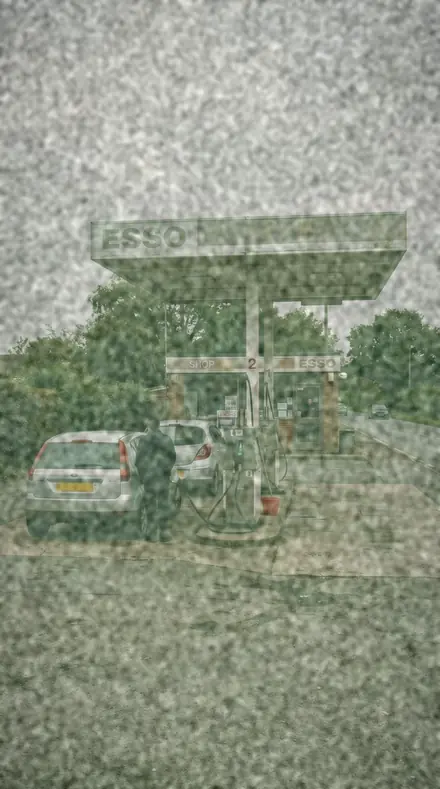
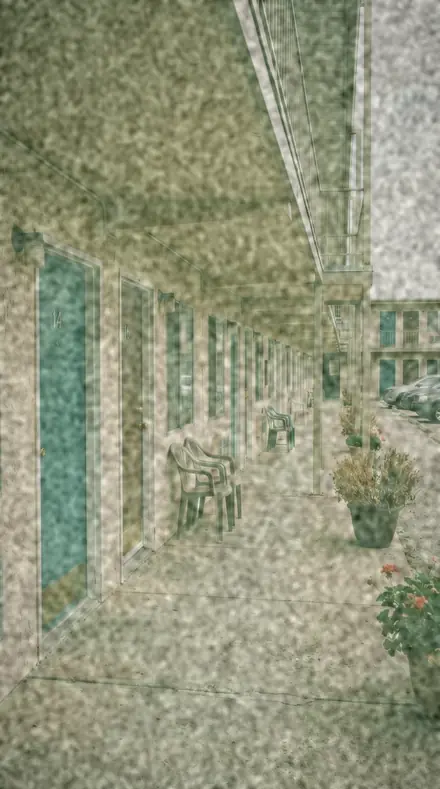
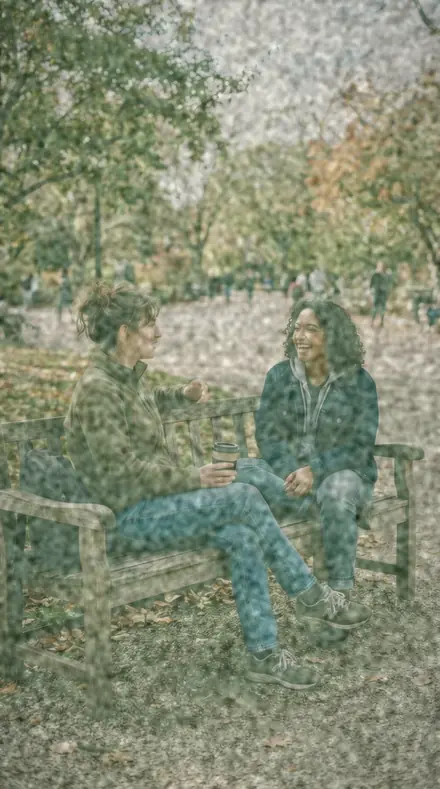
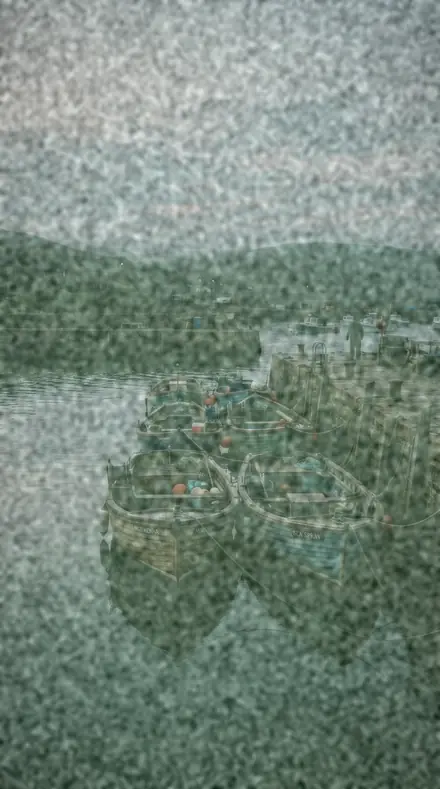
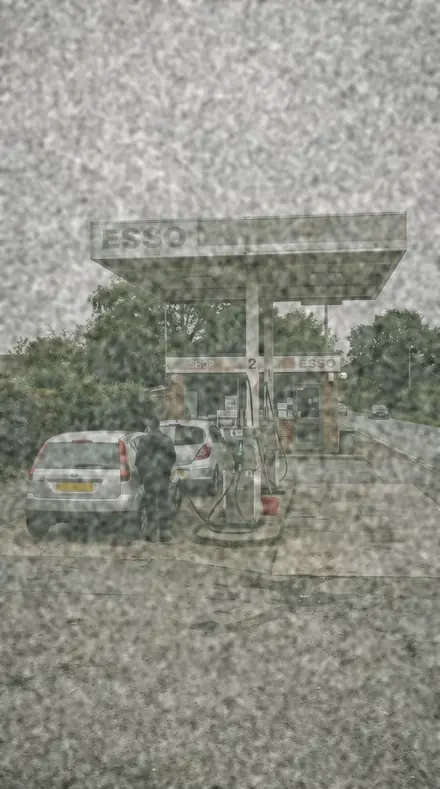
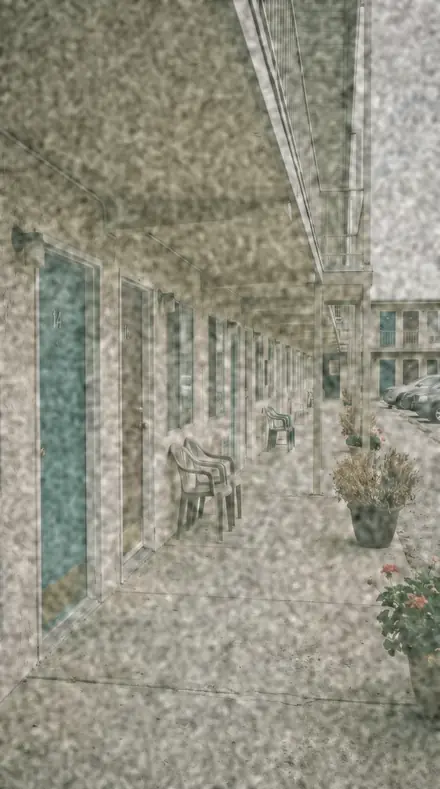
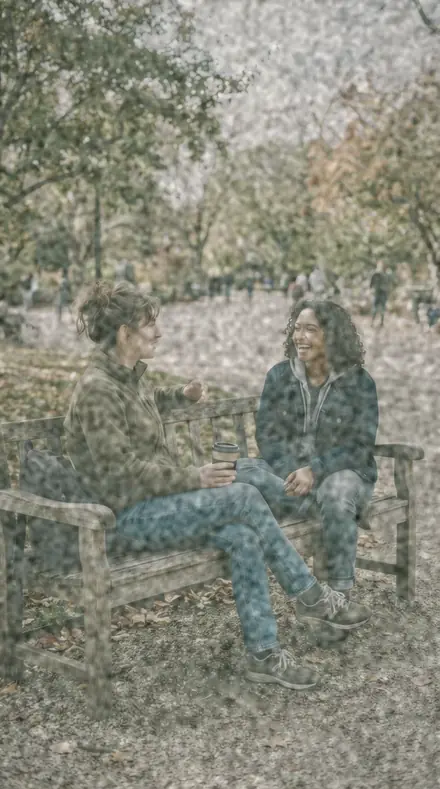
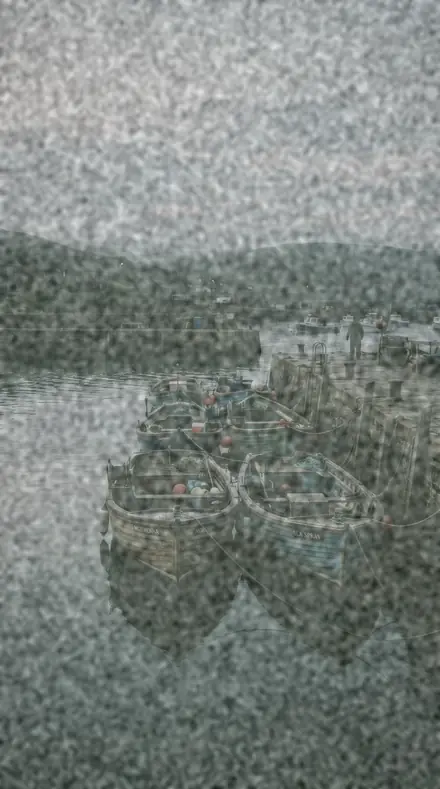
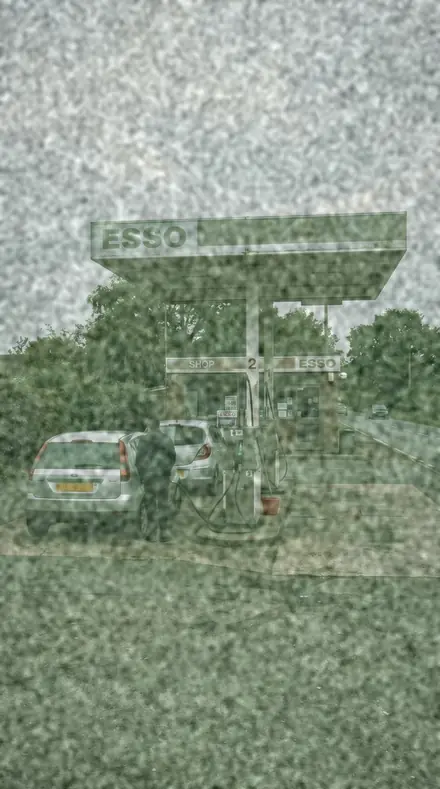
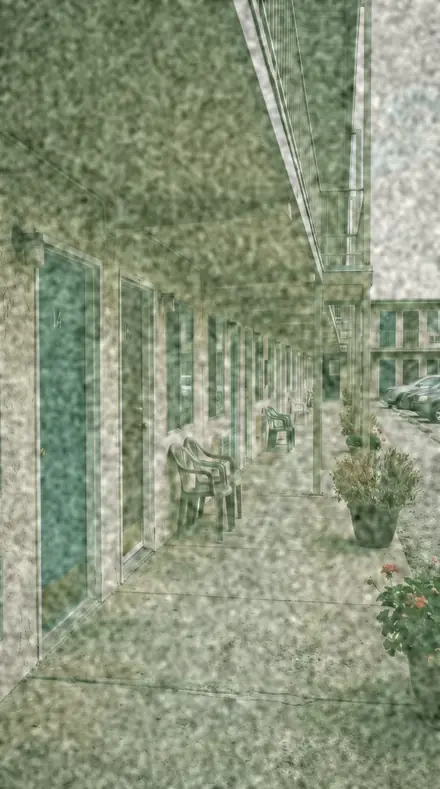
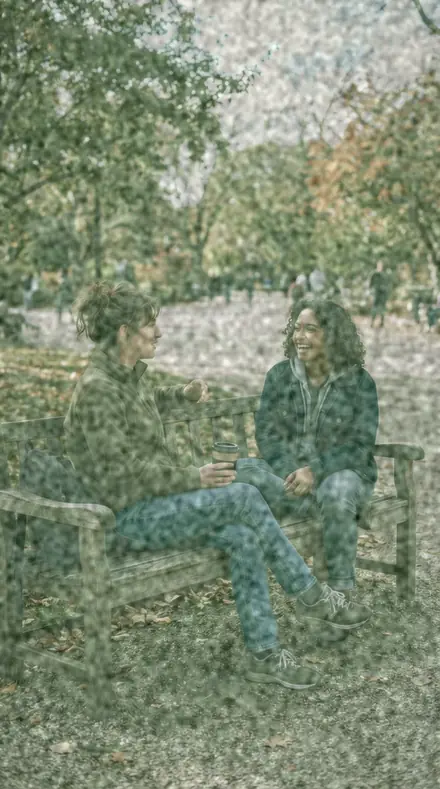
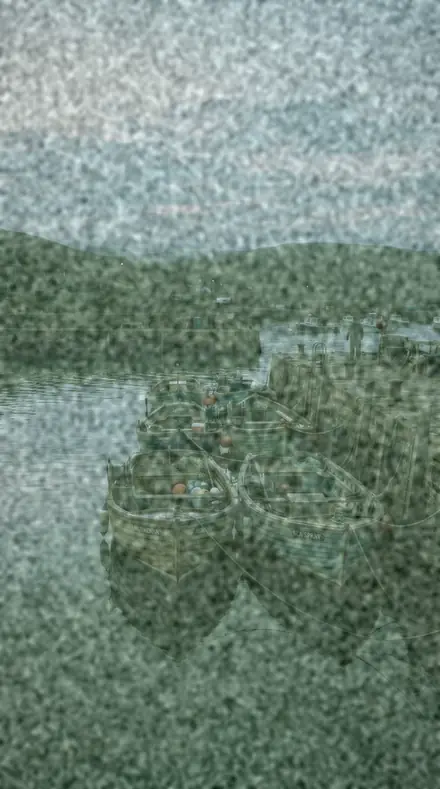
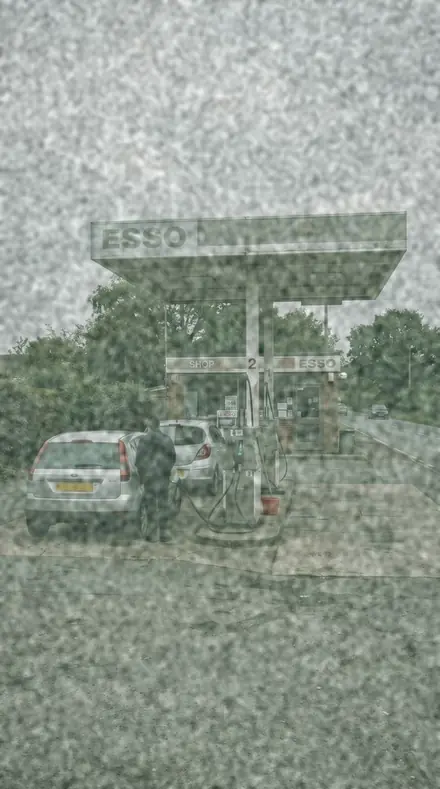
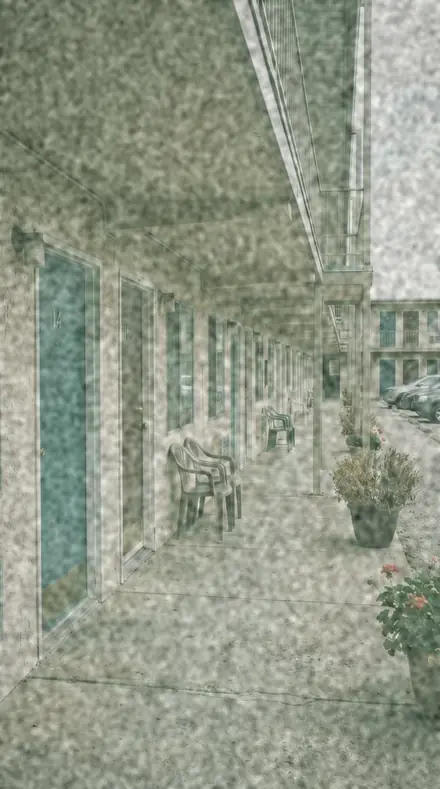
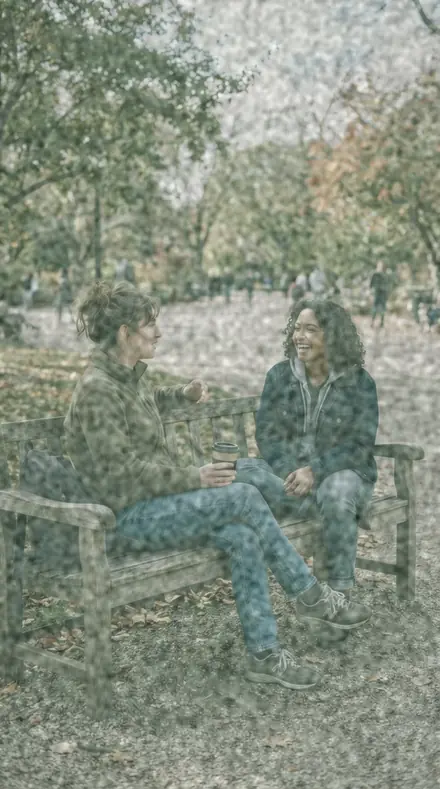
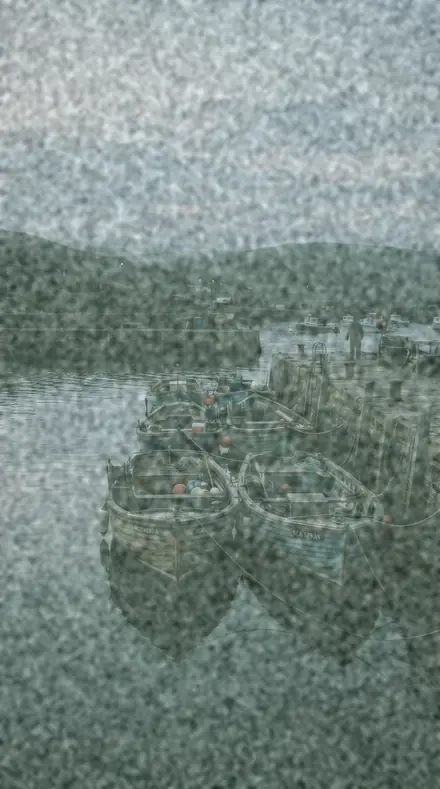
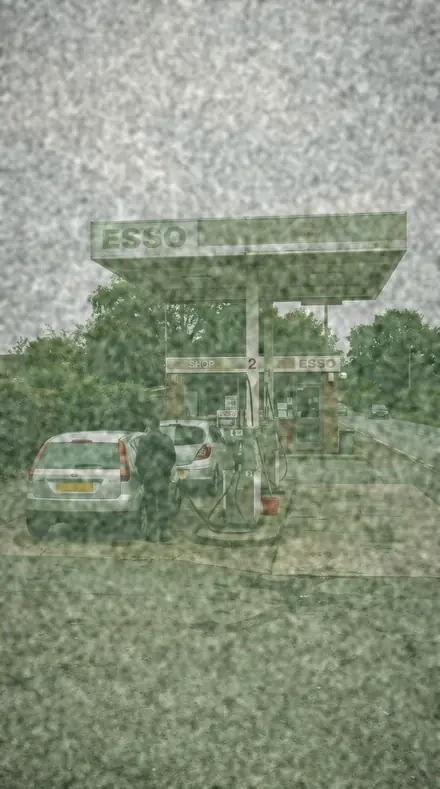
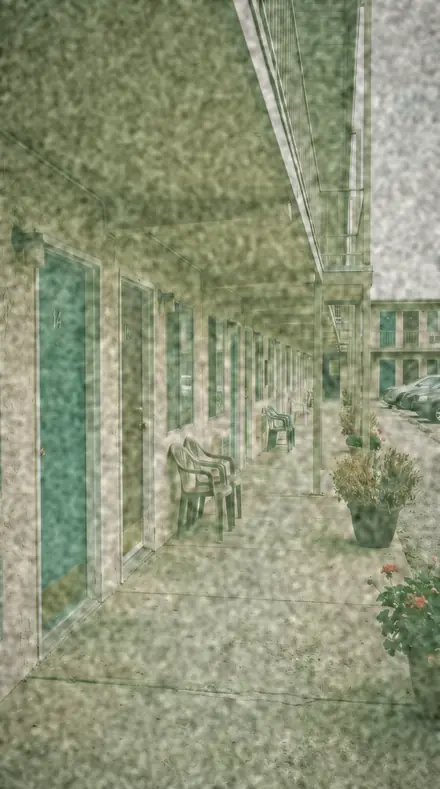
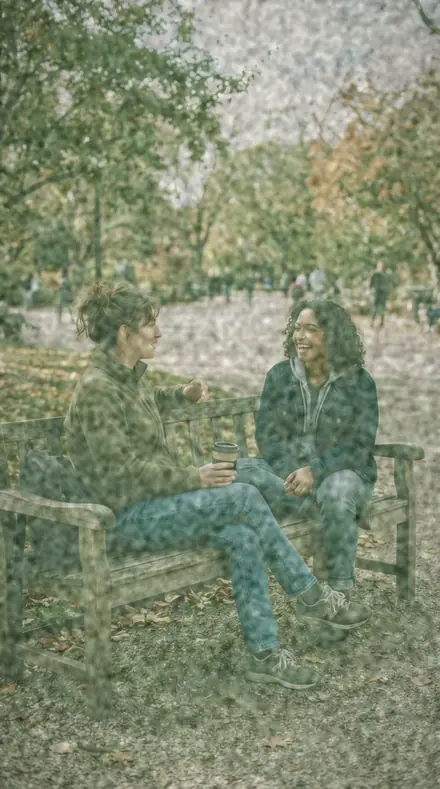
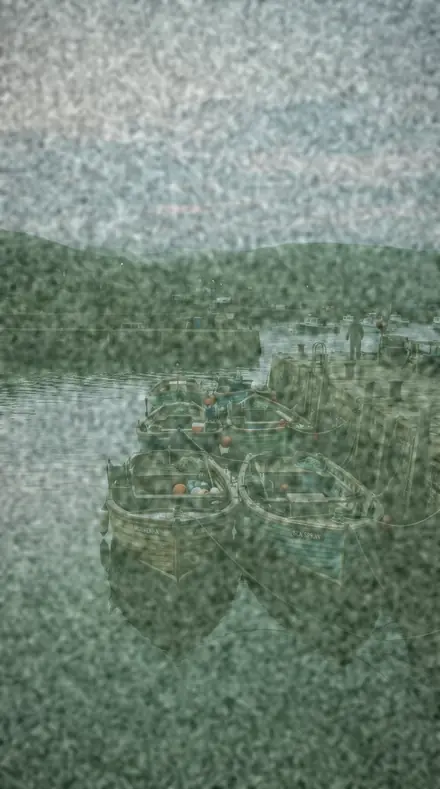
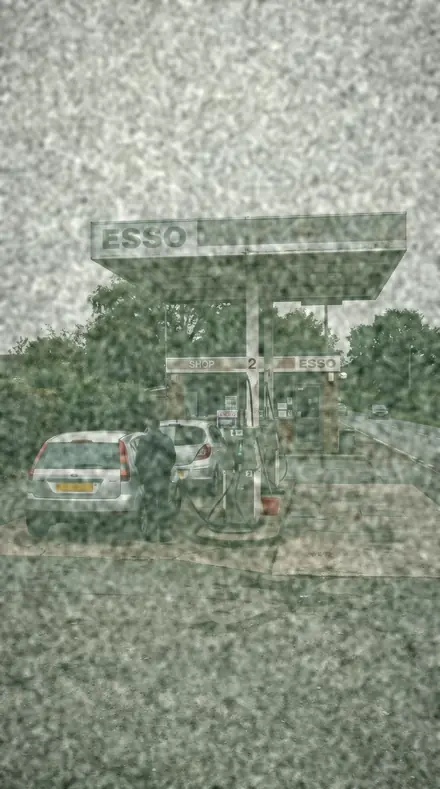
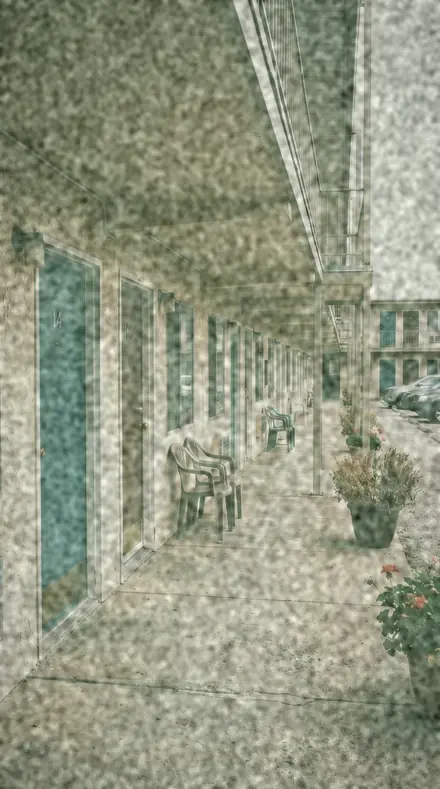
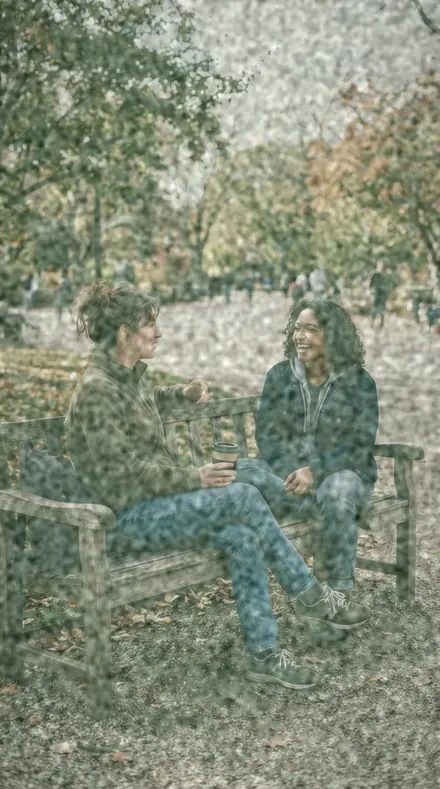
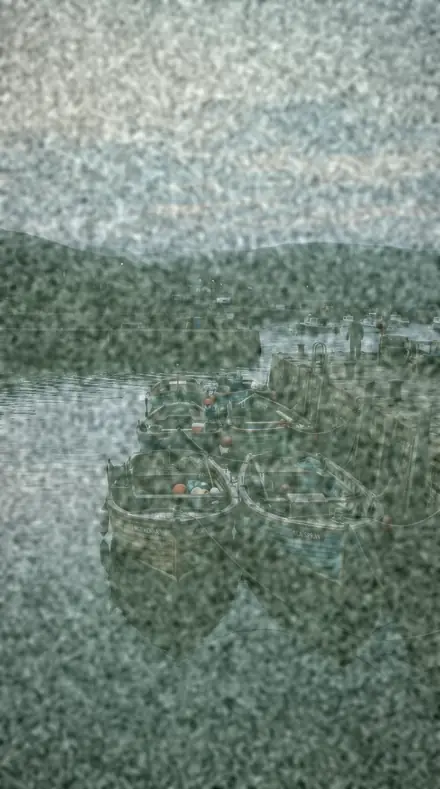
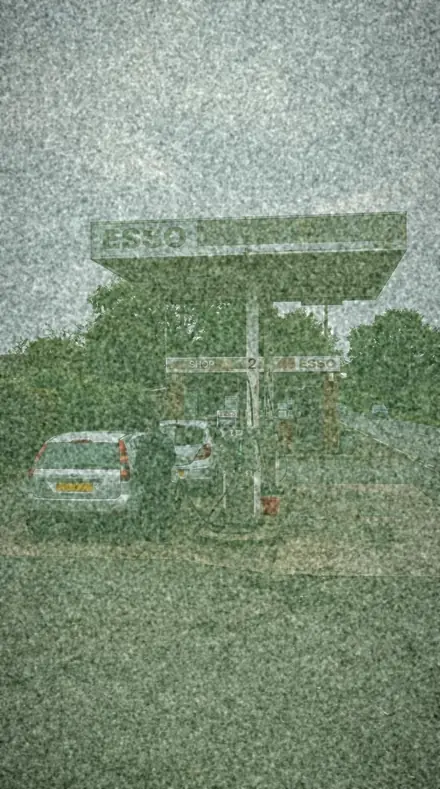
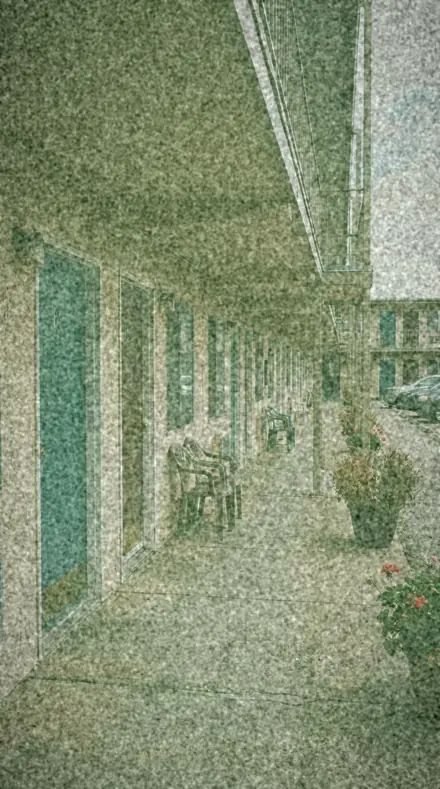
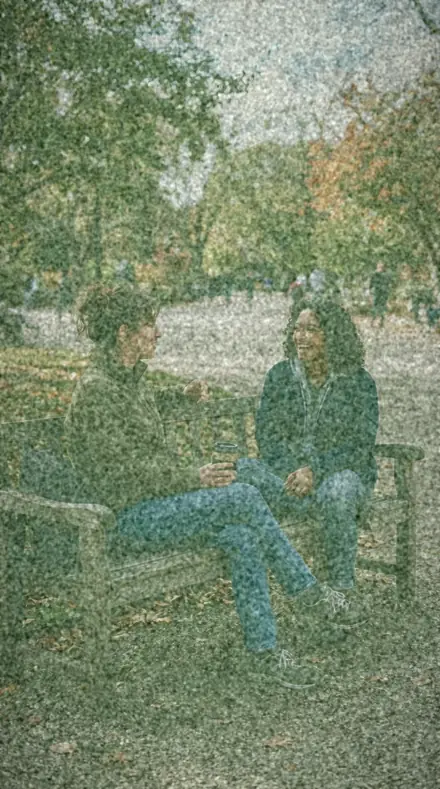
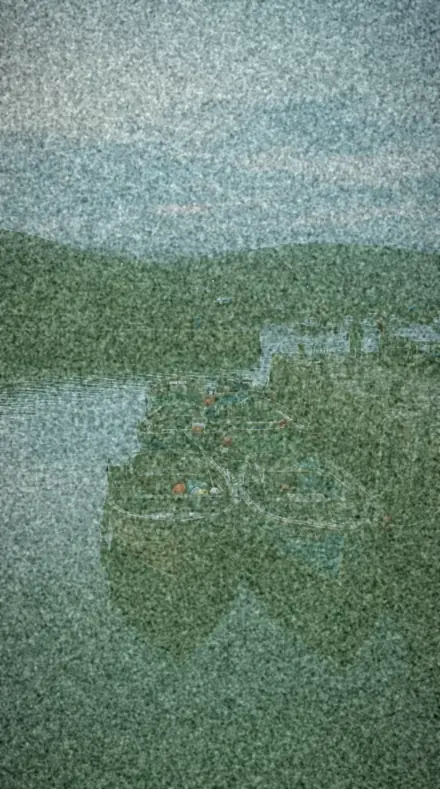
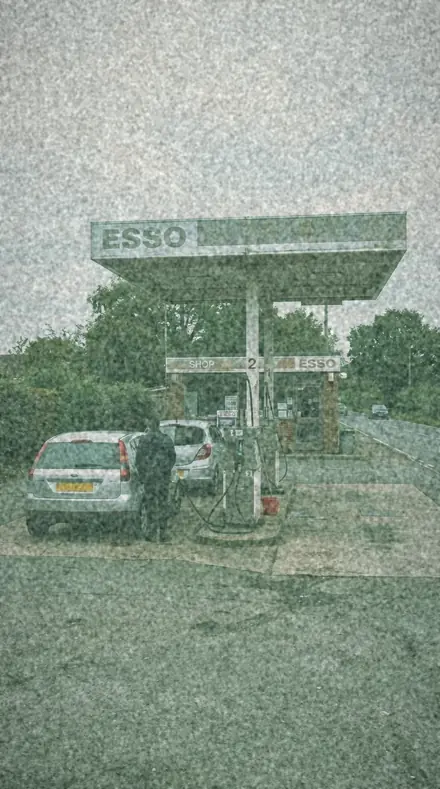
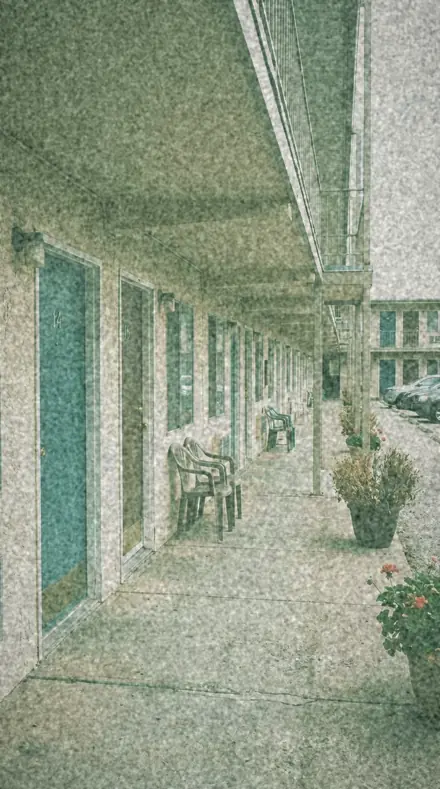
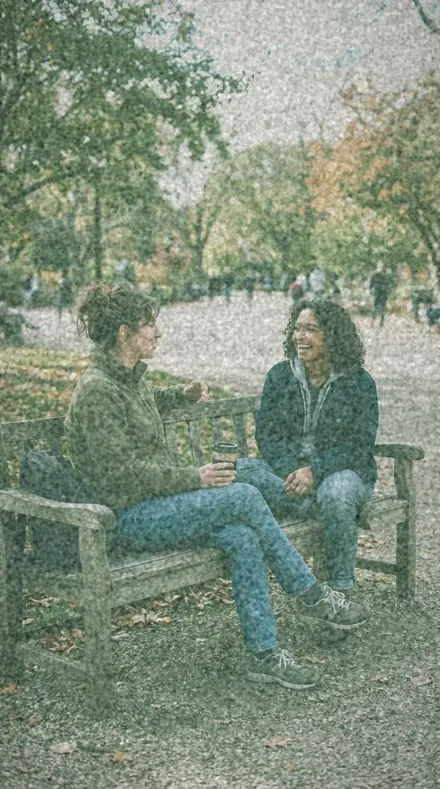
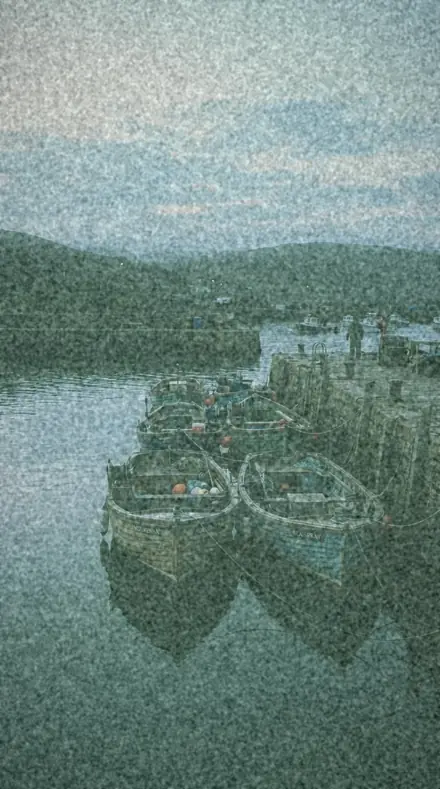
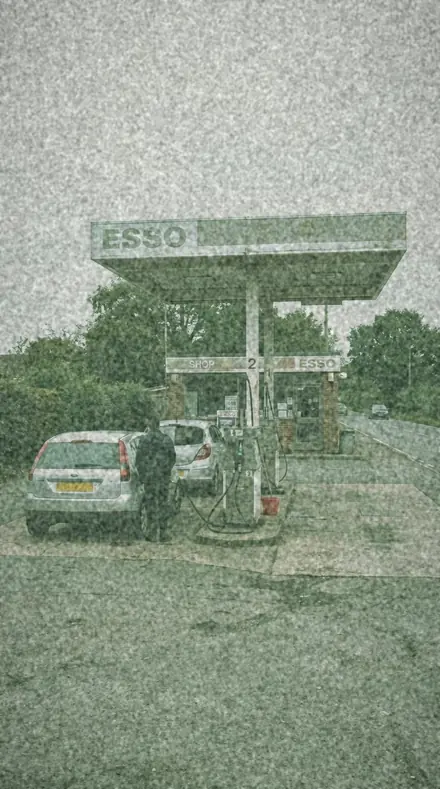
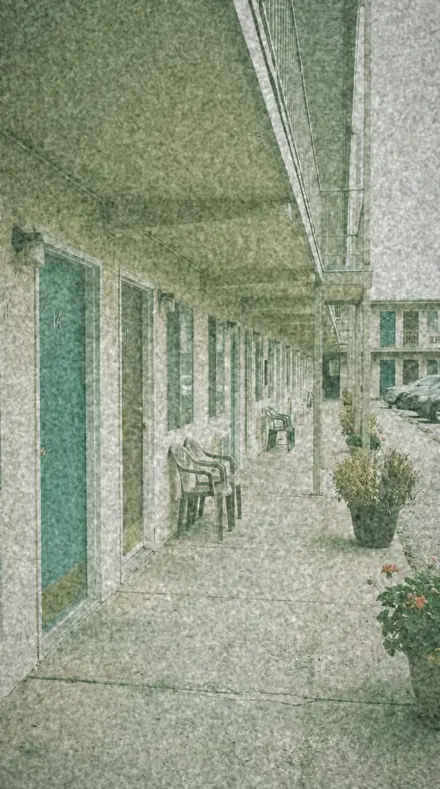
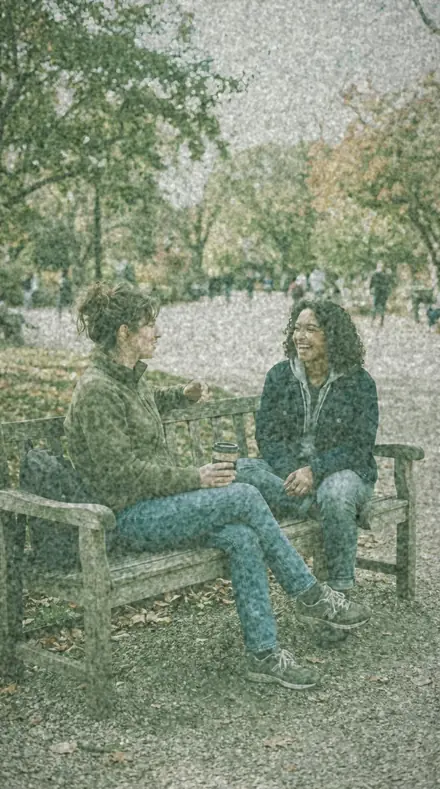
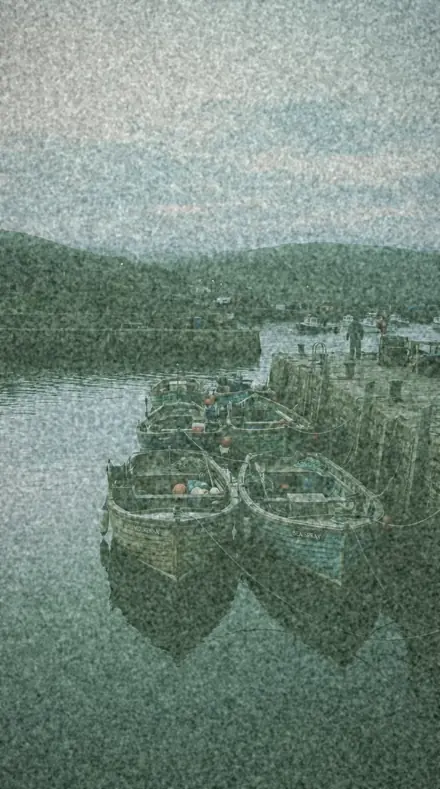
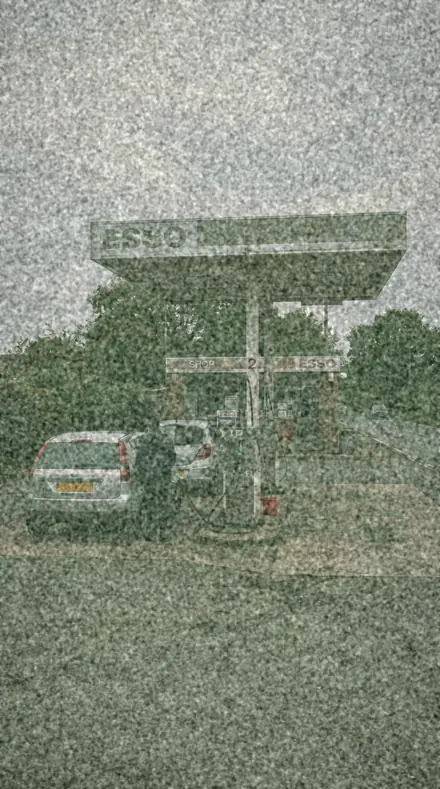
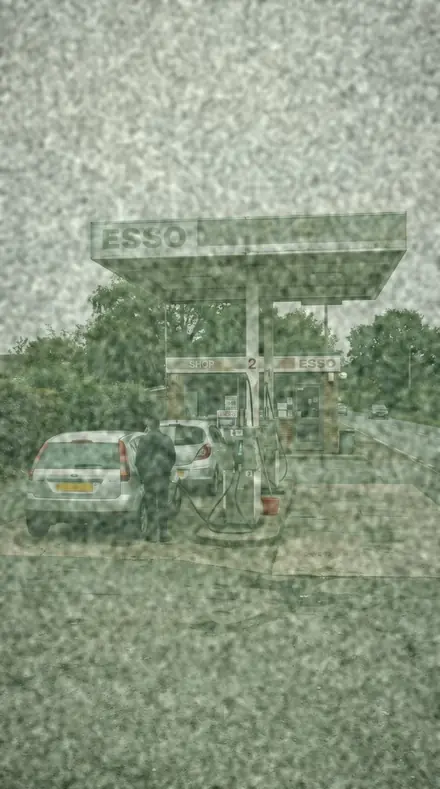
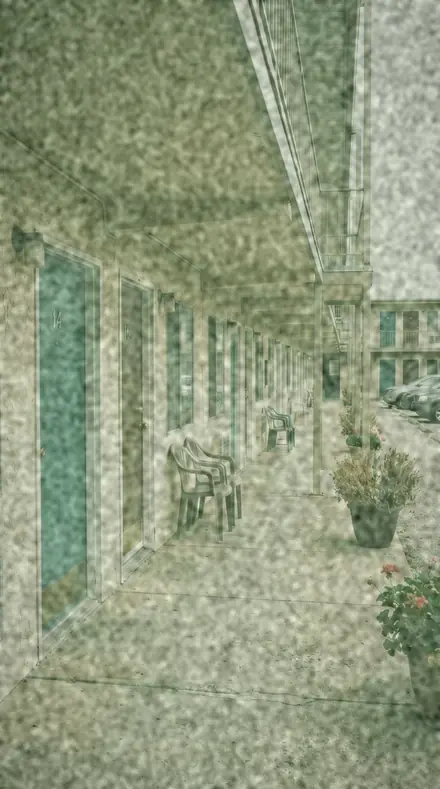
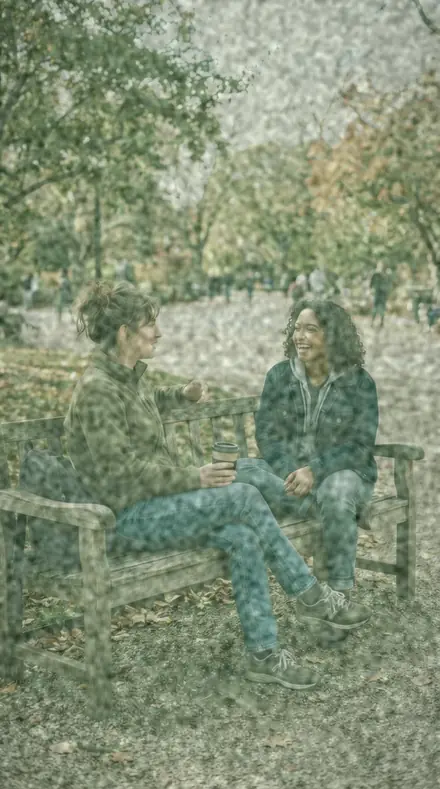
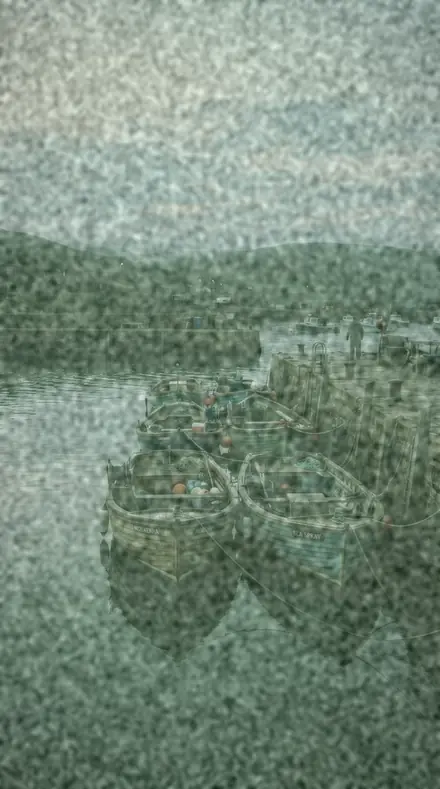
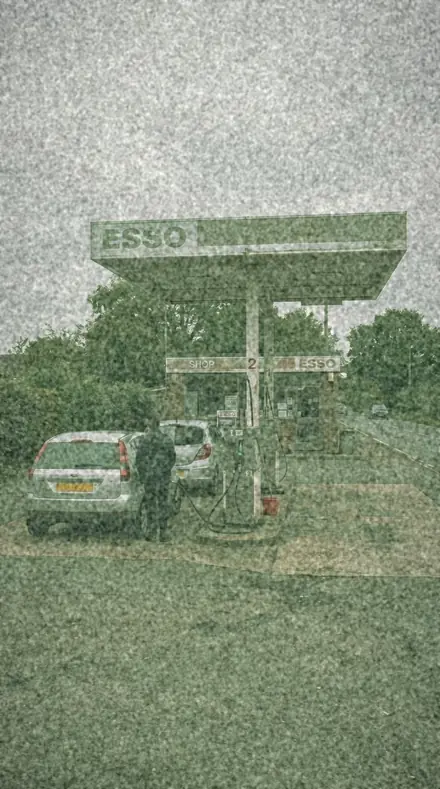
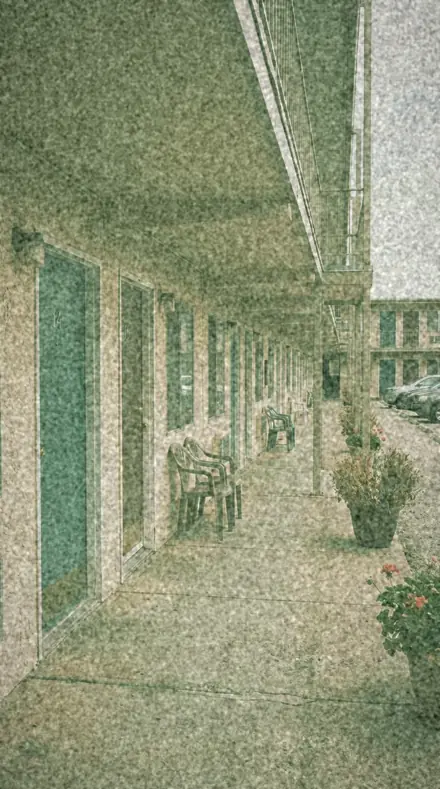
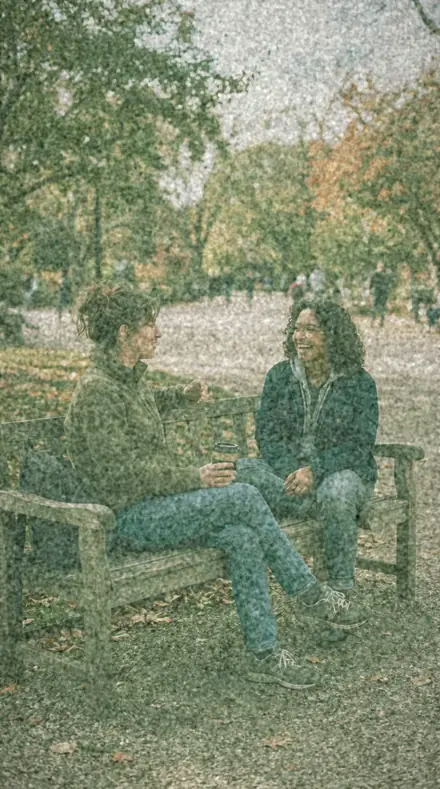
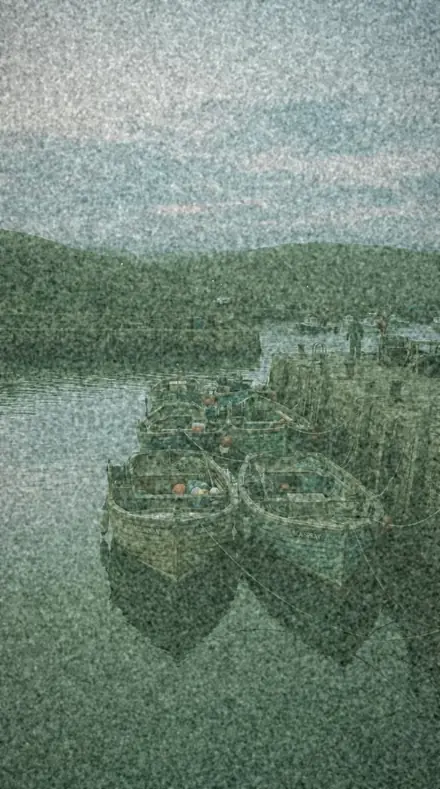
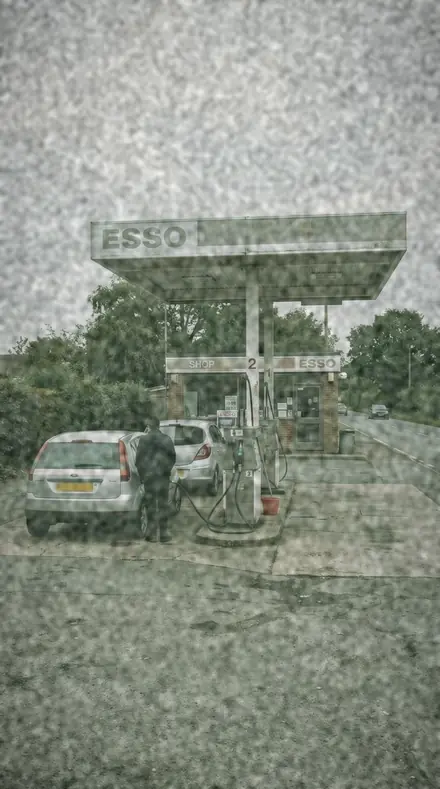
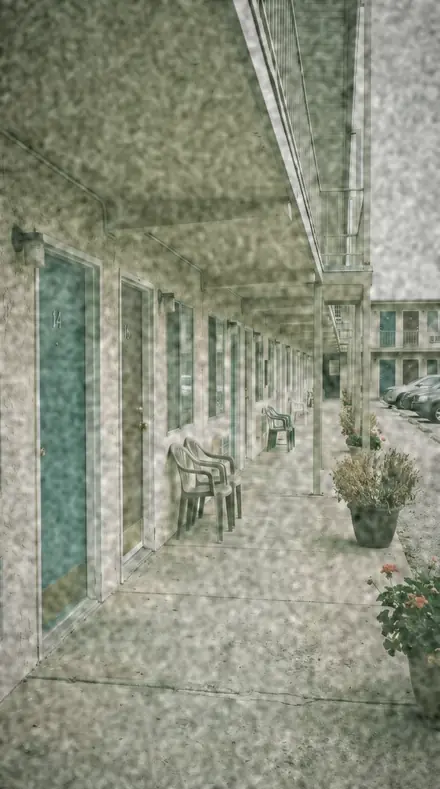
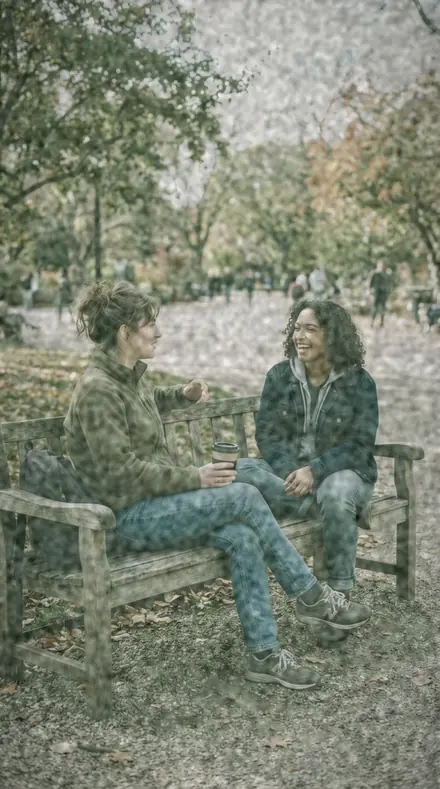
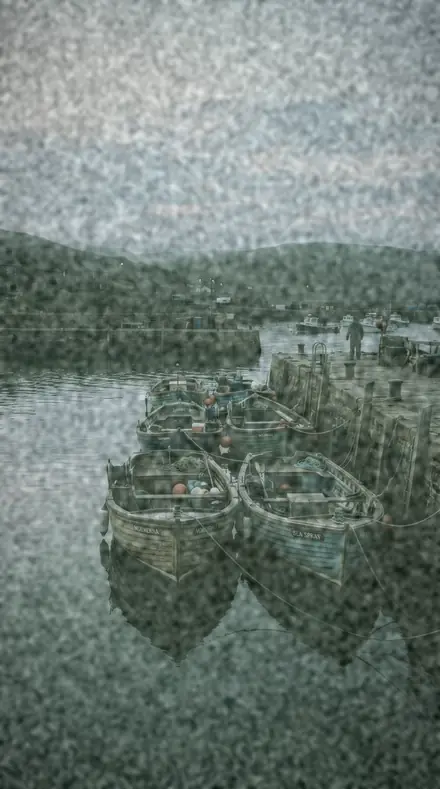
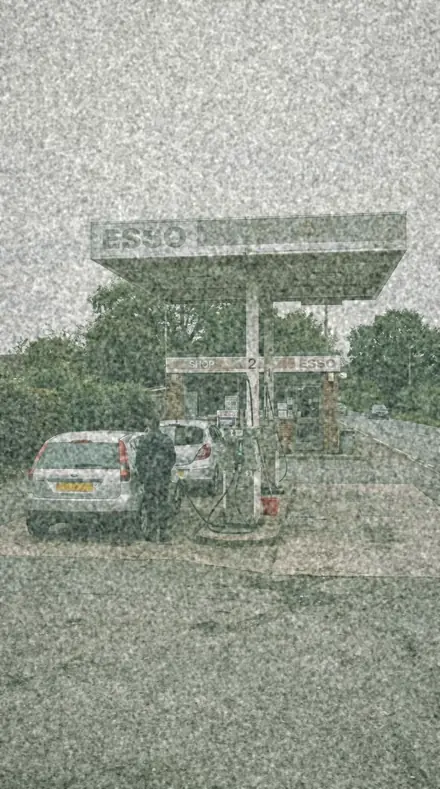
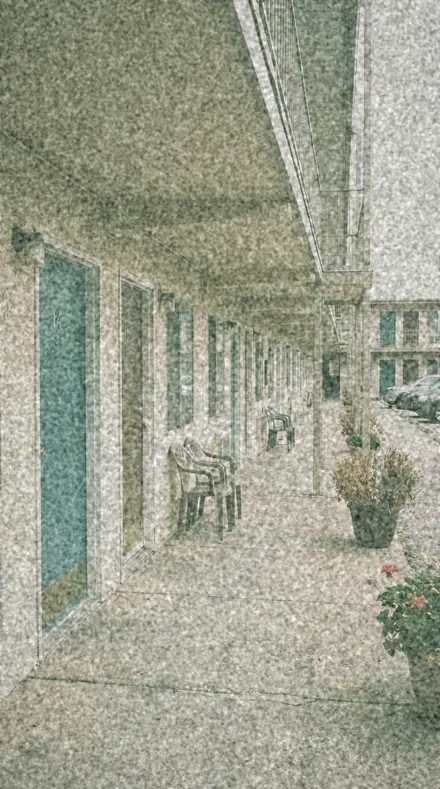
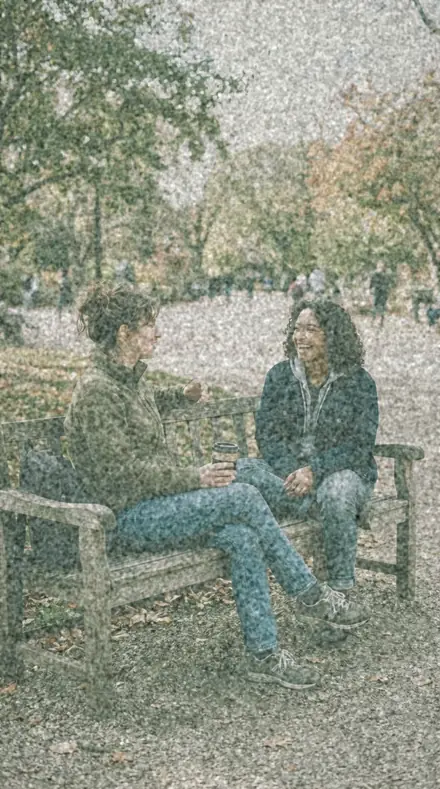
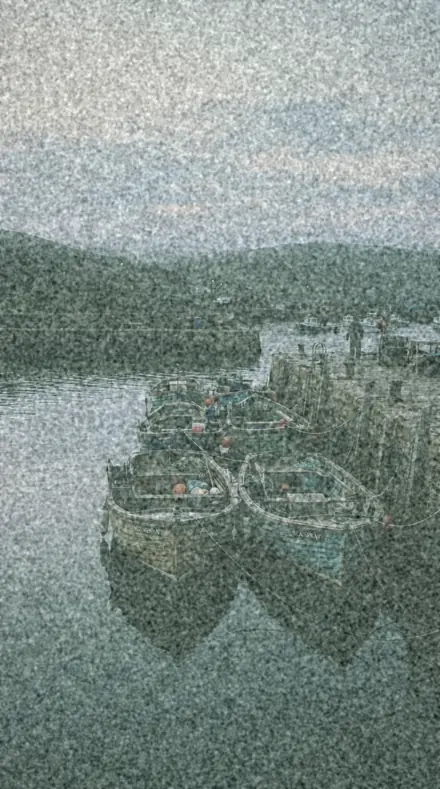
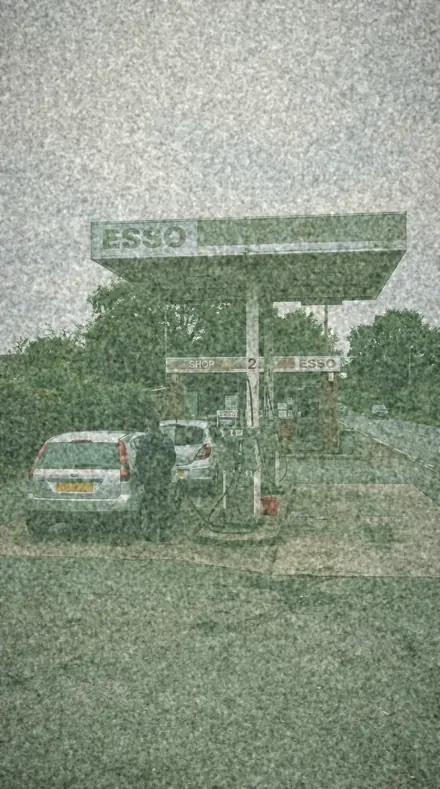
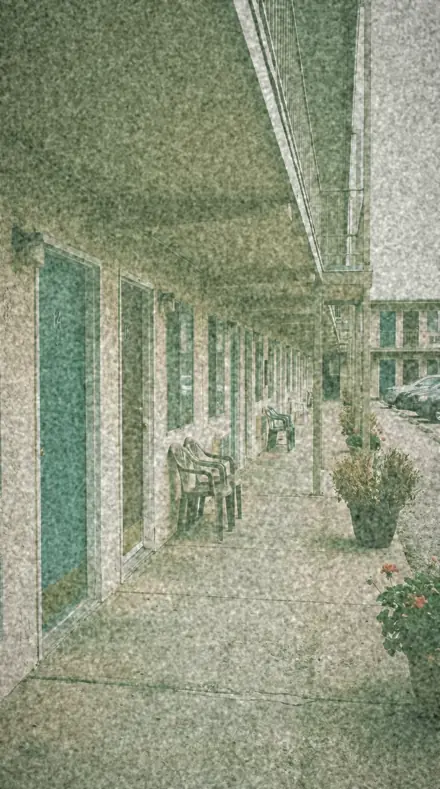
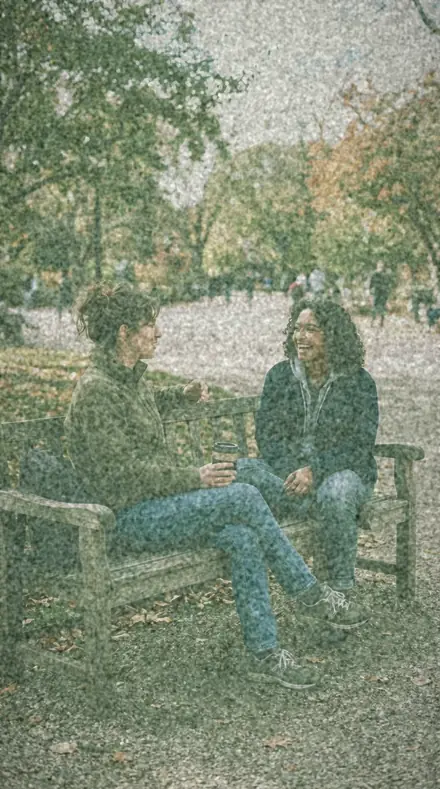
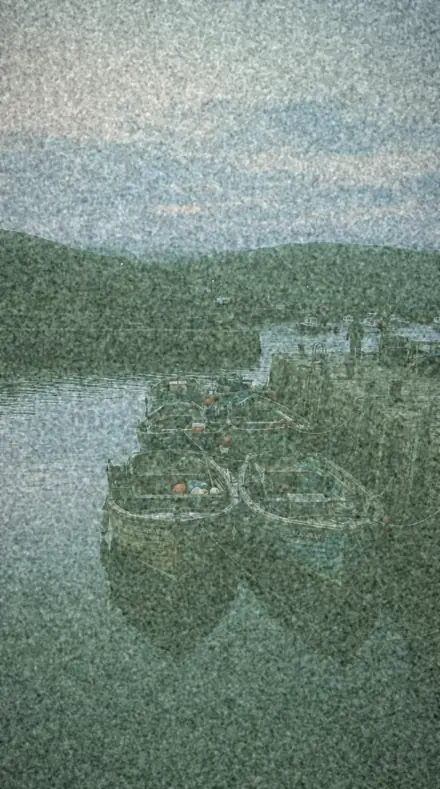
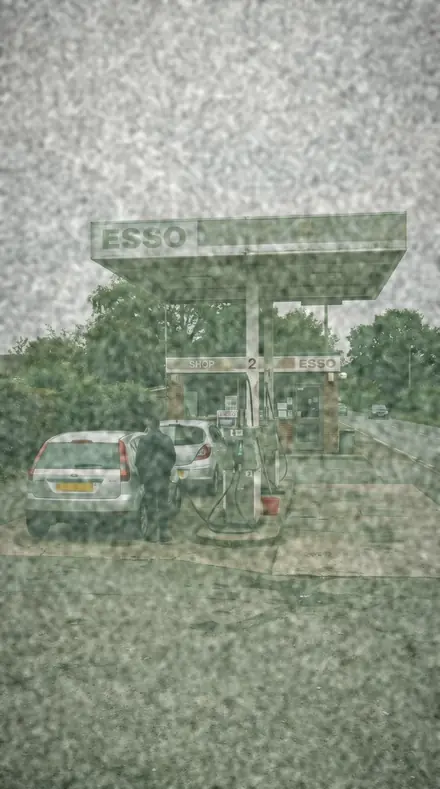
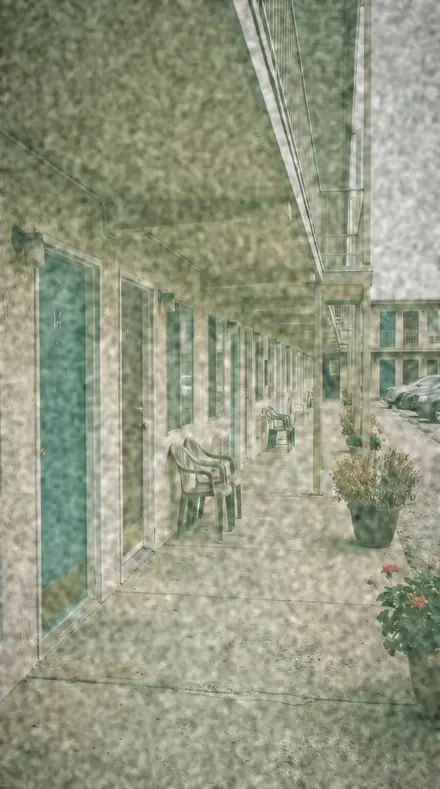
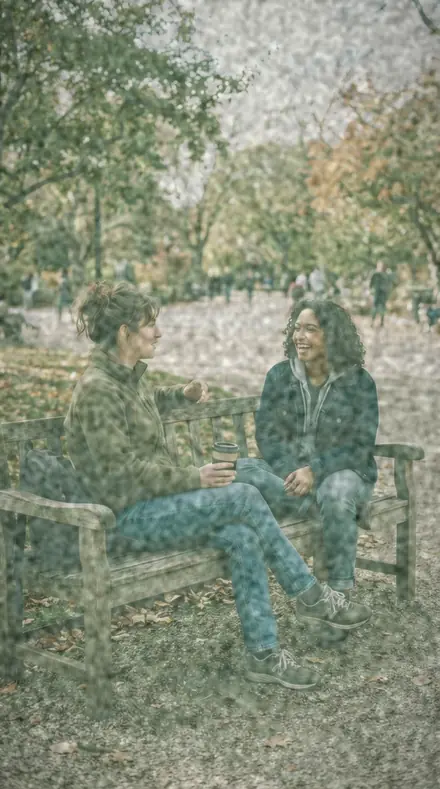
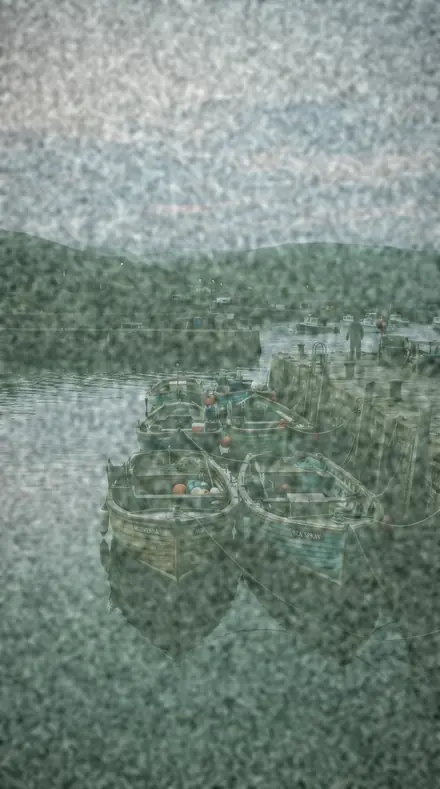
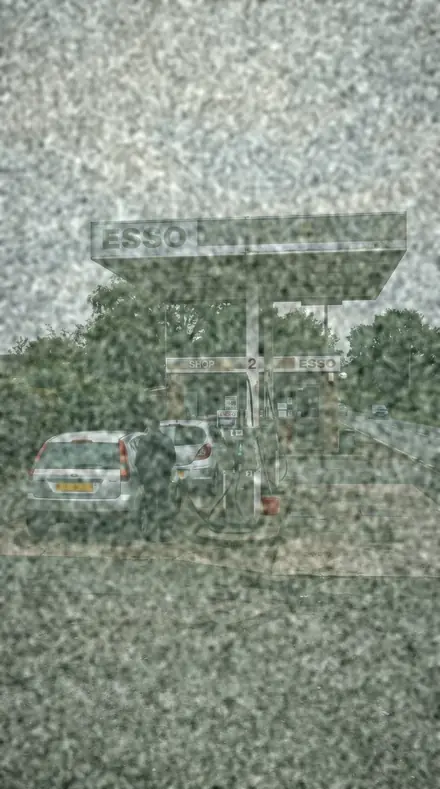
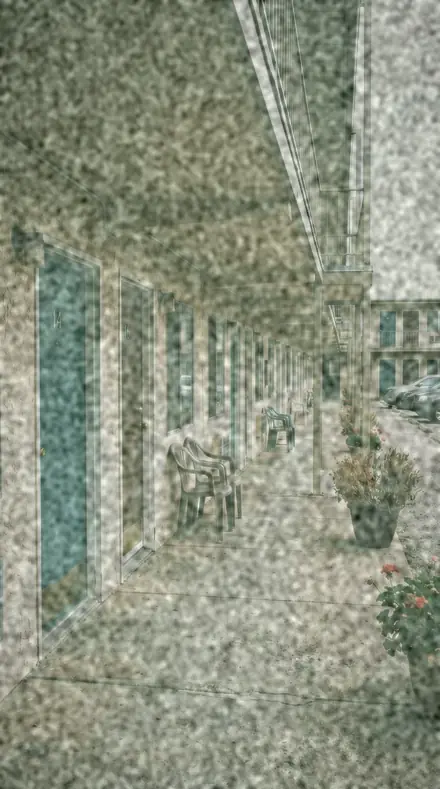
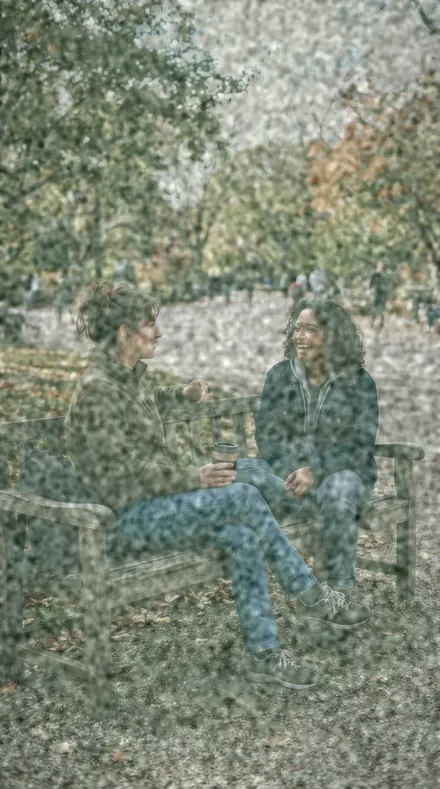
Four drawers: the cool fade, the album, the crossover, the grain. Every preset is filed on the same four frames, a forecourt, a motel door, two friends on a bench and a harbour at dawn, so you can tell the fades apart before you choose one.
the archive
The Box
Every roll from both collections on the same four frames. Open a drawer, compare the fade.
Faded Print, the cool fade
10 presetsCyan in the shadows, the black off the floor. Window light, fixer, frost, a metallic street.
REF-01Cyan Washcool cyan fade for coastal and winter frames, milky shadows under a matte white
![Cyan Wash applied to Old stock, the forecourt gone green]()
![Before: Old stock, the forecourt gone green]()
Old stock, the forecourt gone green ![Cyan Wash applied to A faded print, one light on]()
![Before: A faded print, one light on]()
A faded print, one light on ![Cyan Wash applied to The album page, skin held]()
![Before: The album page, skin held]()
The album page, skin held ![Cyan Wash applied to Cool fade, the harbour at dawn]()
![Before: Cool fade, the harbour at dawn]()
Cool fade, the harbour at dawn Drag the handle. Left is the original, right is Cyan Wash. Rendered from the preset's own settings, not a Lightroom export, so the real thing carries a little more bite.
REF-02Window Fadecold fade for prints left in the light, colour drained and the blacks well off the floor
![Window Fade applied to Old stock, the forecourt gone green]()
![Before: Old stock, the forecourt gone green]()
Old stock, the forecourt gone green ![Window Fade applied to A faded print, one light on]()
![Before: A faded print, one light on]()
A faded print, one light on ![Window Fade applied to The album page, skin held]()
![Before: The album page, skin held]()
The album page, skin held ![Window Fade applied to Cool fade, the harbour at dawn]()
![Before: Cool fade, the harbour at dawn]()
Cool fade, the harbour at dawn Drag the handle. Left is the original, right is Window Fade. Rendered from the preset's own settings, not a Lightroom export, so the real thing carries a little more bite.
REF-03Shelf Printquiet cyan fade for interiors, low contrast with a blue-green cast in the shadows
![Shelf Print applied to Old stock, the forecourt gone green]()
![Before: Old stock, the forecourt gone green]()
Old stock, the forecourt gone green ![Shelf Print applied to A faded print, one light on]()
![Before: A faded print, one light on]()
A faded print, one light on ![Shelf Print applied to The album page, skin held]()
![Before: The album page, skin held]()
The album page, skin held ![Shelf Print applied to Cool fade, the harbour at dawn]()
![Before: Cool fade, the harbour at dawn]()
Cool fade, the harbour at dawn Drag the handle. Left is the original, right is Shelf Print. Rendered from the preset's own settings, not a Lightroom export, so the real thing carries a little more bite.
REF-10Fixer Streakcool fade for documentary work, the cast strongest down in the shadows
![Fixer Streak applied to Old stock, the forecourt gone green]()
![Before: Old stock, the forecourt gone green]()
Old stock, the forecourt gone green ![Fixer Streak applied to A faded print, one light on]()
![Before: A faded print, one light on]()
A faded print, one light on ![Fixer Streak applied to The album page, skin held]()
![Before: The album page, skin held]()
The album page, skin held ![Fixer Streak applied to Cool fade, the harbour at dawn]()
![Before: Cool fade, the harbour at dawn]()
Cool fade, the harbour at dawn Drag the handle. Left is the original, right is Fixer Streak. Rendered from the preset's own settings, not a Lightroom export, so the real thing carries a little more bite.
REF-11Silver Mirrorcold fade with a metallic cast, for street frames in overcast light
![Silver Mirror applied to Old stock, the forecourt gone green]()
![Before: Old stock, the forecourt gone green]()
Old stock, the forecourt gone green ![Silver Mirror applied to A faded print, one light on]()
![Before: A faded print, one light on]()
A faded print, one light on ![Silver Mirror applied to The album page, skin held]()
![Before: The album page, skin held]()
The album page, skin held ![Silver Mirror applied to Cool fade, the harbour at dawn]()
![Before: Cool fade, the harbour at dawn]()
Cool fade, the harbour at dawn Drag the handle. Left is the original, right is Silver Mirror. Rendered from the preset's own settings, not a Lightroom export, so the real thing carries a little more bite.
REF-12Milk Shadowthe highest lifted toe in this set, milky shadows under a cool cyan matte fade
![Milk Shadow applied to Old stock, the forecourt gone green]()
![Before: Old stock, the forecourt gone green]()
Old stock, the forecourt gone green ![Milk Shadow applied to A faded print, one light on]()
![Before: A faded print, one light on]()
A faded print, one light on ![Milk Shadow applied to The album page, skin held]()
![Before: The album page, skin held]()
The album page, skin held ![Milk Shadow applied to Cool fade, the harbour at dawn]()
![Before: Cool fade, the harbour at dawn]()
Cool fade, the harbour at dawn Drag the handle. Left is the original, right is Milk Shadow. Rendered from the preset's own settings, not a Lightroom export, so the real thing carries a little more bite.
REF-14Sun Cornercool fade with a bleached feel, for bright frames that need calming
![Sun Corner applied to Old stock, the forecourt gone green]()
![Before: Old stock, the forecourt gone green]()
Old stock, the forecourt gone green ![Sun Corner applied to A faded print, one light on]()
![Before: A faded print, one light on]()
A faded print, one light on ![Sun Corner applied to The album page, skin held]()
![Before: The album page, skin held]()
The album page, skin held ![Sun Corner applied to Cool fade, the harbour at dawn]()
![Before: Cool fade, the harbour at dawn]()
Cool fade, the harbour at dawn Drag the handle. Left is the original, right is Sun Corner. Rendered from the preset's own settings, not a Lightroom export, so the real thing carries a little more bite.
REF-15Frost Caststrongly blue-green fade for cold-weather work, low saturation throughout
![Frost Cast applied to Old stock, the forecourt gone green]()
![Before: Old stock, the forecourt gone green]()
Old stock, the forecourt gone green ![Frost Cast applied to A faded print, one light on]()
![Before: A faded print, one light on]()
A faded print, one light on ![Frost Cast applied to The album page, skin held]()
![Before: The album page, skin held]()
The album page, skin held ![Frost Cast applied to Cool fade, the harbour at dawn]()
![Before: Cool fade, the harbour at dawn]()
Cool fade, the harbour at dawn Drag the handle. Left is the original, right is Frost Cast. Rendered from the preset's own settings, not a Lightroom export, so the real thing carries a little more bite.
REF-16Slate Tintgrey-cyan fade for architecture, colour held back and shadows opened
![Slate Tint applied to Old stock, the forecourt gone green]()
![Before: Old stock, the forecourt gone green]()
Old stock, the forecourt gone green ![Slate Tint applied to A faded print, one light on]()
![Before: A faded print, one light on]()
A faded print, one light on ![Slate Tint applied to The album page, skin held]()
![Before: The album page, skin held]()
The album page, skin held ![Slate Tint applied to Cool fade, the harbour at dawn]()
![Before: Cool fade, the harbour at dawn]()
Cool fade, the harbour at dawn Drag the handle. Left is the original, right is Slate Tint. Rendered from the preset's own settings, not a Lightroom export, so the real thing carries a little more bite.
REF-17Chill Castcool fade for portraits in shade, cyan below and near-neutral skin above
![Chill Cast applied to Old stock, the forecourt gone green]()
![Before: Old stock, the forecourt gone green]()
Old stock, the forecourt gone green ![Chill Cast applied to A faded print, one light on]()
![Before: A faded print, one light on]()
A faded print, one light on ![Chill Cast applied to The album page, skin held]()
![Before: The album page, skin held]()
The album page, skin held ![Chill Cast applied to Cool fade, the harbour at dawn]()
![Before: Cool fade, the harbour at dawn]()
Cool fade, the harbour at dawn Drag the handle. Left is the original, right is Chill Cast. Rendered from the preset's own settings, not a Lightroom export, so the real thing carries a little more bite.
Faded Print, the album
8 presetsPrints as they were kept. Attic box, drawer, album page, corner tab, the cracked emulsion.
REF-04Attic Boxdusty cool fade for stored snapshots, heavy grain over a lifted toe
![Attic Box applied to Old stock, the forecourt gone green]()
![Before: Old stock, the forecourt gone green]()
Old stock, the forecourt gone green ![Attic Box applied to A faded print, one light on]()
![Before: A faded print, one light on]()
A faded print, one light on ![Attic Box applied to The album page, skin held]()
![Before: The album page, skin held]()
The album page, skin held ![Attic Box applied to Cool fade, the harbour at dawn]()
![Before: Cool fade, the harbour at dawn]()
Cool fade, the harbour at dawn Drag the handle. Left is the original, right is Attic Box. Rendered from the preset's own settings, not a Lightroom export, so the real thing carries a little more bite.
REF-05Drawer Printsoft cyan fade for family frames, skin desaturated without going grey
![Drawer Print applied to Old stock, the forecourt gone green]()
![Before: Old stock, the forecourt gone green]()
Old stock, the forecourt gone green ![Drawer Print applied to A faded print, one light on]()
![Before: A faded print, one light on]()
A faded print, one light on ![Drawer Print applied to The album page, skin held]()
![Before: The album page, skin held]()
The album page, skin held ![Drawer Print applied to Cool fade, the harbour at dawn]()
![Before: Cool fade, the harbour at dawn]()
Cool fade, the harbour at dawn Drag the handle. Left is the original, right is Drawer Print. Rendered from the preset's own settings, not a Lightroom export, so the real thing carries a little more bite.
REF-06Album Pagegentle cool fade for album spreads, matte highlights and one consistent cast
![Album Page applied to Old stock, the forecourt gone green]()
![Before: Old stock, the forecourt gone green]()
Old stock, the forecourt gone green ![Album Page applied to A faded print, one light on]()
![Before: A faded print, one light on]()
A faded print, one light on ![Album Page applied to The album page, skin held]()
![Before: The album page, skin held]()
The album page, skin held ![Album Page applied to Cool fade, the harbour at dawn]()
![Before: Cool fade, the harbour at dawn]()
Cool fade, the harbour at dawn Drag the handle. Left is the original, right is Album Page. Rendered from the preset's own settings, not a Lightroom export, so the real thing carries a little more bite.
REF-07Corner Tabcyan fade for corner-mounted prints, mild colour and a compressed scale
![Corner Tab applied to Old stock, the forecourt gone green]()
![Before: Old stock, the forecourt gone green]()
Old stock, the forecourt gone green ![Corner Tab applied to A faded print, one light on]()
![Before: A faded print, one light on]()
A faded print, one light on ![Corner Tab applied to The album page, skin held]()
![Before: The album page, skin held]()
The album page, skin held ![Corner Tab applied to Cool fade, the harbour at dawn]()
![Before: Cool fade, the harbour at dawn]()
Cool fade, the harbour at dawn Drag the handle. Left is the original, right is Corner Tab. Rendered from the preset's own settings, not a Lightroom export, so the real thing carries a little more bite.
REF-08Paper Curlcool fade for curled prints, grain and softness working together
![Paper Curl applied to Old stock, the forecourt gone green]()
![Before: Old stock, the forecourt gone green]()
Old stock, the forecourt gone green ![Paper Curl applied to A faded print, one light on]()
![Before: A faded print, one light on]()
A faded print, one light on ![Paper Curl applied to The album page, skin held]()
![Before: The album page, skin held]()
The album page, skin held ![Paper Curl applied to Cool fade, the harbour at dawn]()
![Before: Cool fade, the harbour at dawn]()
Cool fade, the harbour at dawn Drag the handle. Left is the original, right is Paper Curl. Rendered from the preset's own settings, not a Lightroom export, so the real thing carries a little more bite.
REF-09Border Trimcyan fade for bordered prints, clean edges and a calm middle
![Border Trim applied to Old stock, the forecourt gone green]()
![Before: Old stock, the forecourt gone green]()
Old stock, the forecourt gone green ![Border Trim applied to A faded print, one light on]()
![Before: A faded print, one light on]()
A faded print, one light on ![Border Trim applied to The album page, skin held]()
![Before: The album page, skin held]()
The album page, skin held ![Border Trim applied to Cool fade, the harbour at dawn]()
![Before: Cool fade, the harbour at dawn]()
Cool fade, the harbour at dawn Drag the handle. Left is the original, right is Border Trim. Rendered from the preset's own settings, not a Lightroom export, so the real thing carries a little more bite.
REF-13Storage Sleevecyan fade for archive scans, restrained enough to grade further afterwards
![Storage Sleeve applied to Old stock, the forecourt gone green]()
![Before: Old stock, the forecourt gone green]()
Old stock, the forecourt gone green ![Storage Sleeve applied to A faded print, one light on]()
![Before: A faded print, one light on]()
A faded print, one light on ![Storage Sleeve applied to The album page, skin held]()
![Before: The album page, skin held]()
The album page, skin held ![Storage Sleeve applied to Cool fade, the harbour at dawn]()
![Before: Cool fade, the harbour at dawn]()
Cool fade, the harbour at dawn Drag the handle. Left is the original, right is Storage Sleeve. Rendered from the preset's own settings, not a Lightroom export, so the real thing carries a little more bite.
REF-18Emulsion Crackrough cool fade for aged prints, texture pulled back and grain left coarse
![Emulsion Crack applied to Old stock, the forecourt gone green]()
![Before: Old stock, the forecourt gone green]()
Old stock, the forecourt gone green ![Emulsion Crack applied to A faded print, one light on]()
![Before: A faded print, one light on]()
A faded print, one light on ![Emulsion Crack applied to The album page, skin held]()
![Before: The album page, skin held]()
The album page, skin held ![Emulsion Crack applied to Cool fade, the harbour at dawn]()
![Before: Cool fade, the harbour at dawn]()
Cool fade, the harbour at dawn Drag the handle. Left is the original, right is Emulsion Crack. Rendered from the preset's own settings, not a Lightroom export, so the real thing carries a little more bite.
Old Stock, the crossover
11 presetsGreen low, magenta high. From a hint of age to a roll that turned in the heat.
REF-19Emulsion Agethe heaviest grain in this set, a green and magenta crossover fade at full strength
![Emulsion Age applied to Old stock, the forecourt gone green]()
![Before: Old stock, the forecourt gone green]()
Old stock, the forecourt gone green ![Emulsion Age applied to A faded print, one light on]()
![Before: A faded print, one light on]()
A faded print, one light on ![Emulsion Age applied to The album page, skin held]()
![Before: The album page, skin held]()
The album page, skin held ![Emulsion Age applied to Cool fade, the harbour at dawn]()
![Before: Cool fade, the harbour at dawn]()
Cool fade, the harbour at dawn Drag the handle. Left is the original, right is Emulsion Age. Rendered from the preset's own settings, not a Lightroom export, so the real thing carries a little more bite.
REF-21Backing Papercrossed-over fade for medium format frames, green low and magenta high
![Backing Paper applied to Old stock, the forecourt gone green]()
![Before: Old stock, the forecourt gone green]()
Old stock, the forecourt gone green ![Backing Paper applied to A faded print, one light on]()
![Before: A faded print, one light on]()
A faded print, one light on ![Backing Paper applied to The album page, skin held]()
![Before: The album page, skin held]()
The album page, skin held ![Backing Paper applied to Cool fade, the harbour at dawn]()
![Before: Cool fade, the harbour at dawn]()
Cool fade, the harbour at dawn Drag the handle. Left is the original, right is Backing Paper. Rendered from the preset's own settings, not a Lightroom export, so the real thing carries a little more bite.
REF-22Foil Wrapfade for badly stored stock, colour crossed over and saturation held down
![Foil Wrap applied to Old stock, the forecourt gone green]()
![Before: Old stock, the forecourt gone green]()
Old stock, the forecourt gone green ![Foil Wrap applied to A faded print, one light on]()
![Before: A faded print, one light on]()
A faded print, one light on ![Foil Wrap applied to The album page, skin held]()
![Before: The album page, skin held]()
The album page, skin held ![Foil Wrap applied to Cool fade, the harbour at dawn]()
![Before: Cool fade, the harbour at dawn]()
Cool fade, the harbour at dawn Drag the handle. Left is the original, right is Foil Wrap. Rendered from the preset's own settings, not a Lightroom export, so the real thing carries a little more bite.
REF-24Fridge Shelfmilder version of the crossover, for frames that only need a hint of age
![Fridge Shelf applied to Old stock, the forecourt gone green]()
![Before: Old stock, the forecourt gone green]()
Old stock, the forecourt gone green ![Fridge Shelf applied to A faded print, one light on]()
![Before: A faded print, one light on]()
A faded print, one light on ![Fridge Shelf applied to The album page, skin held]()
![Before: The album page, skin held]()
The album page, skin held ![Fridge Shelf applied to Cool fade, the harbour at dawn]()
![Before: Cool fade, the harbour at dawn]()
Cool fade, the harbour at dawn Drag the handle. Left is the original, right is Fridge Shelf. Rendered from the preset's own settings, not a Lightroom export, so the real thing carries a little more bite.
REF-25Heat Fogfogged fade for heat-damaged rolls, lifted blacks under a magenta ceiling
![Heat Fog applied to Old stock, the forecourt gone green]()
![Before: Old stock, the forecourt gone green]()
Old stock, the forecourt gone green ![Heat Fog applied to A faded print, one light on]()
![Before: A faded print, one light on]()
A faded print, one light on ![Heat Fog applied to The album page, skin held]()
![Before: The album page, skin held]()
The album page, skin held ![Heat Fog applied to Cool fade, the harbour at dawn]()
![Before: Cool fade, the harbour at dawn]()
Cool fade, the harbour at dawn Drag the handle. Left is the original, right is Heat Fog. Rendered from the preset's own settings, not a Lightroom export, so the real thing carries a little more bite.
REF-27Magenta Driftfade with the pink shift carried down into the shadows as well
![Magenta Drift applied to Old stock, the forecourt gone green]()
![Before: Old stock, the forecourt gone green]()
Old stock, the forecourt gone green ![Magenta Drift applied to A faded print, one light on]()
![Before: A faded print, one light on]()
A faded print, one light on ![Magenta Drift applied to The album page, skin held]()
![Before: The album page, skin held]()
The album page, skin held ![Magenta Drift applied to Cool fade, the harbour at dawn]()
![Before: Cool fade, the harbour at dawn]()
Cool fade, the harbour at dawn Drag the handle. Left is the original, right is Magenta Drift. Rendered from the preset's own settings, not a Lightroom export, so the real thing carries a little more bite.
REF-31Storage Foggeneral-purpose crossover fade for mixed archives
![Storage Fog applied to Old stock, the forecourt gone green]()
![Before: Old stock, the forecourt gone green]()
Old stock, the forecourt gone green ![Storage Fog applied to A faded print, one light on]()
![Before: A faded print, one light on]()
A faded print, one light on ![Storage Fog applied to The album page, skin held]()
![Before: The album page, skin held]()
The album page, skin held ![Storage Fog applied to Cool fade, the harbour at dawn]()
![Before: Cool fade, the harbour at dawn]()
Cool fade, the harbour at dawn Drag the handle. Left is the original, right is Storage Fog. Rendered from the preset's own settings, not a Lightroom export, so the real thing carries a little more bite.
REF-32Shelf Yearfade for a roll left a year too long, modest crossover and honest grain
![Shelf Year applied to Old stock, the forecourt gone green]()
![Before: Old stock, the forecourt gone green]()
Old stock, the forecourt gone green ![Shelf Year applied to A faded print, one light on]()
![Before: A faded print, one light on]()
A faded print, one light on ![Shelf Year applied to The album page, skin held]()
![Before: The album page, skin held]()
The album page, skin held ![Shelf Year applied to Cool fade, the harbour at dawn]()
![Before: Cool fade, the harbour at dawn]()
Cool fade, the harbour at dawn Drag the handle. Left is the original, right is Shelf Year. Rendered from the preset's own settings, not a Lightroom export, so the real thing carries a little more bite.
REF-33Stock Lotfade for a whole batch of old film, one consistent cast across frames
![Stock Lot applied to Old stock, the forecourt gone green]()
![Before: Old stock, the forecourt gone green]()
Old stock, the forecourt gone green ![Stock Lot applied to A faded print, one light on]()
![Before: A faded print, one light on]()
A faded print, one light on ![Stock Lot applied to The album page, skin held]()
![Before: The album page, skin held]()
The album page, skin held ![Stock Lot applied to Cool fade, the harbour at dawn]()
![Before: Cool fade, the harbour at dawn]()
Cool fade, the harbour at dawn Drag the handle. Left is the original, right is Stock Lot. Rendered from the preset's own settings, not a Lightroom export, so the real thing carries a little more bite.
REF-34Expiry Linefade for the moment stock turns, green shadows against near-clean skin
![Expiry Line applied to Old stock, the forecourt gone green]()
![Before: Old stock, the forecourt gone green]()
Old stock, the forecourt gone green ![Expiry Line applied to A faded print, one light on]()
![Before: A faded print, one light on]()
A faded print, one light on ![Expiry Line applied to The album page, skin held]()
![Before: The album page, skin held]()
The album page, skin held ![Expiry Line applied to Cool fade, the harbour at dawn]()
![Before: Cool fade, the harbour at dawn]()
Cool fade, the harbour at dawn Drag the handle. Left is the original, right is Expiry Line. Rendered from the preset's own settings, not a Lightroom export, so the real thing carries a little more bite.
REF-36Expired Rollgreen-shifted fade with magenta in the highlights, for film shot past its date
![Expired Roll applied to Old stock, the forecourt gone green]()
![Before: Old stock, the forecourt gone green]()
Old stock, the forecourt gone green ![Expired Roll applied to A faded print, one light on]()
![Before: A faded print, one light on]()
A faded print, one light on ![Expired Roll applied to The album page, skin held]()
![Before: The album page, skin held]()
The album page, skin held ![Expired Roll applied to Cool fade, the harbour at dawn]()
![Before: Cool fade, the harbour at dawn]()
Cool fade, the harbour at dawn Drag the handle. Left is the original, right is Expired Roll. Rendered from the preset's own settings, not a Lightroom export, so the real thing carries a little more bite.
Old Stock, the grain
7 presetsThe coarse end of the box. Dated snapshots, rusted canisters, moss and copper casts.
REF-20Date Stampheavy-grain fade for dated snapshots, olive shadows and pink upper midtones
![Date Stamp applied to Old stock, the forecourt gone green]()
![Before: Old stock, the forecourt gone green]()
Old stock, the forecourt gone green ![Date Stamp applied to A faded print, one light on]()
![Before: A faded print, one light on]()
A faded print, one light on ![Date Stamp applied to The album page, skin held]()
![Before: The album page, skin held]()
The album page, skin held ![Date Stamp applied to Cool fade, the harbour at dawn]()
![Before: Cool fade, the harbour at dawn]()
Cool fade, the harbour at dawn Drag the handle. Left is the original, right is Date Stamp. Rendered from the preset's own settings, not a Lightroom export, so the real thing carries a little more bite.
REF-23Canister Rustrough fade for outdoor frames, coarse grain over a green cast
![Canister Rust applied to Old stock, the forecourt gone green]()
![Before: Old stock, the forecourt gone green]()
Old stock, the forecourt gone green ![Canister Rust applied to A faded print, one light on]()
![Before: A faded print, one light on]()
A faded print, one light on ![Canister Rust applied to The album page, skin held]()
![Before: The album page, skin held]()
The album page, skin held ![Canister Rust applied to Cool fade, the harbour at dawn]()
![Before: Cool fade, the harbour at dawn]()
Cool fade, the harbour at dawn Drag the handle. Left is the original, right is Canister Rust. Rendered from the preset's own settings, not a Lightroom export, so the real thing carries a little more bite.
REF-26Reticulation Marktextured fade for street work, grain coarse and contrast low
![Reticulation Mark applied to Old stock, the forecourt gone green]()
![Before: Old stock, the forecourt gone green]()
Old stock, the forecourt gone green ![Reticulation Mark applied to A faded print, one light on]()
![Before: A faded print, one light on]()
A faded print, one light on ![Reticulation Mark applied to The album page, skin held]()
![Before: The album page, skin held]()
The album page, skin held ![Reticulation Mark applied to Cool fade, the harbour at dawn]()
![Before: Cool fade, the harbour at dawn]()
Cool fade, the harbour at dawn Drag the handle. Left is the original, right is Reticulation Mark. Rendered from the preset's own settings, not a Lightroom export, so the real thing carries a little more bite.
REF-28Moss Tintgreen-dominant fade for woodland and garden frames
![Moss Tint applied to Old stock, the forecourt gone green]()
![Before: Old stock, the forecourt gone green]()
Old stock, the forecourt gone green ![Moss Tint applied to A faded print, one light on]()
![Before: A faded print, one light on]()
A faded print, one light on ![Moss Tint applied to The album page, skin held]()
![Before: The album page, skin held]()
The album page, skin held ![Moss Tint applied to Cool fade, the harbour at dawn]()
![Before: Cool fade, the harbour at dawn]()
Cool fade, the harbour at dawn Drag the handle. Left is the original, right is Moss Tint. Rendered from the preset's own settings, not a Lightroom export, so the real thing carries a little more bite.
REF-29Copper Greenfade with a metallic green cast, for industrial and machinery subjects
![Copper Green applied to Old stock, the forecourt gone green]()
![Before: Old stock, the forecourt gone green]()
Old stock, the forecourt gone green ![Copper Green applied to A faded print, one light on]()
![Before: A faded print, one light on]()
A faded print, one light on ![Copper Green applied to The album page, skin held]()
![Before: The album page, skin held]()
The album page, skin held ![Copper Green applied to Cool fade, the harbour at dawn]()
![Before: Cool fade, the harbour at dawn]()
Cool fade, the harbour at dawn Drag the handle. Left is the original, right is Copper Green. Rendered from the preset's own settings, not a Lightroom export, so the real thing carries a little more bite.
REF-30Lichen Patchfade for stone and wall detail, green midtones and a soft top end
![Lichen Patch applied to Old stock, the forecourt gone green]()
![Before: Old stock, the forecourt gone green]()
Old stock, the forecourt gone green ![Lichen Patch applied to A faded print, one light on]()
![Before: A faded print, one light on]()
A faded print, one light on ![Lichen Patch applied to The album page, skin held]()
![Before: The album page, skin held]()
The album page, skin held ![Lichen Patch applied to Cool fade, the harbour at dawn]()
![Before: Cool fade, the harbour at dawn]()
Cool fade, the harbour at dawn Drag the handle. Left is the original, right is Lichen Patch. Rendered from the preset's own settings, not a Lightroom export, so the real thing carries a little more bite.
REF-35Spool Rustgritty fade for handheld frames, grain and vignette together
![Spool Rust applied to Old stock, the forecourt gone green]()
![Before: Old stock, the forecourt gone green]()
Old stock, the forecourt gone green ![Spool Rust applied to A faded print, one light on]()
![Before: A faded print, one light on]()
A faded print, one light on ![Spool Rust applied to The album page, skin held]()
![Before: The album page, skin held]()
The album page, skin held ![Spool Rust applied to Cool fade, the harbour at dawn]()
![Before: Cool fade, the harbour at dawn]()
Cool fade, the harbour at dawn Drag the handle. Left is the original, right is Spool Rust. Rendered from the preset's own settings, not a Lightroom export, so the real thing carries a little more bite.
how it works
Yours in two minutes
- Buy the setCheckout takes a card; you get a receipt by email.
- Download instantlyThe preset files download right after payment. Re-download any time from your account.
- Import to LightroomOpen the files in the free Lightroom app (iOS or Android) or Lightroom Classic. Lightroom saves them as presets automatically.
- Tap a presetOne tap applies the full look. Every setting stays editable after.
- Single-user license. Yours to use in personal and client work.
- No redistribution. Don't resell or share the preset files themselves.
- Free app is enough. No Adobe subscription needed for Lightroom mobile.
- Keep it forever. Files live in your account for re-download.

the maker
Why I Make These
I am Netzah Elad Topaz. I take photographs and I build software, and the two keep leading me back to the same problem. You were there. The light was doing something you will not see again. Then the photo comes back flat, and it is not what you were looking at.
Closing that gap is the whole job. Every preset here is built from Adobe defaults by hand, with a written note for what it should do to a picture, and it is judged on real photographs before it ships. Nothing is a filter dropped on top of your work.
What I want is simple. You open a photo you almost gave up on, you tap once, and there it is: the day you remember, not the file your camera handed you. That is worth doing properly.
Netzah Elad Topaz, photographer and software builder
get it
Get Faded Print + Old Stock
Faded Print + Old Stock
$129.99
All 36 presets · one-time payment · instant download
Works in the free Lightroom app · keep forever
Instant download after payment. The download link is also sent to your email and stays available in your account.
questions
Asked and Answered
Which one is the everyday matte fade?
Cyan Wash, from Faded Print. It is the cool matte with milky shadows that people mean when they say faded. Reach for Old Stock when you want the colour crossed as well as drained.
Is the grain real?
It is Lightroom's own grain, set per preset from fine to coarse, and it stays a slider. Emulsion Age and Spool Rust carry the most; Fridge Shelf and Storage Sleeve the least.
Do these work in the free Lightroom app?
Yes. Import the .xmp files in the free Lightroom app on iPhone or Android, no subscription needed. They also work in Lightroom Classic and Lightroom on desktop.
What exactly do I get?
All 36 presets from Faded Print + Old Stock as .xmp files in an instant ZIP download. The link also lands in your email, and the purchase stays in your account so you can re-download any time.
How do I install them?
Two minutes: unzip, then import inside Lightroom. The step-by-step guide covers iPhone, Android, and desktop.
Can I use them for client work?
Yes. The single-user license covers personal and commercial photography. The one thing you can't do is share or resell the preset files themselves.
Can I tweak a preset after applying it?
Always. A preset is a starting point; every slider stays yours to adjust.
What if it's not for me?
Before your first download we refund, no questions asked. After a download, sales are final except a technical fault we cannot fix or a duplicate charge. Details on the refunds page.